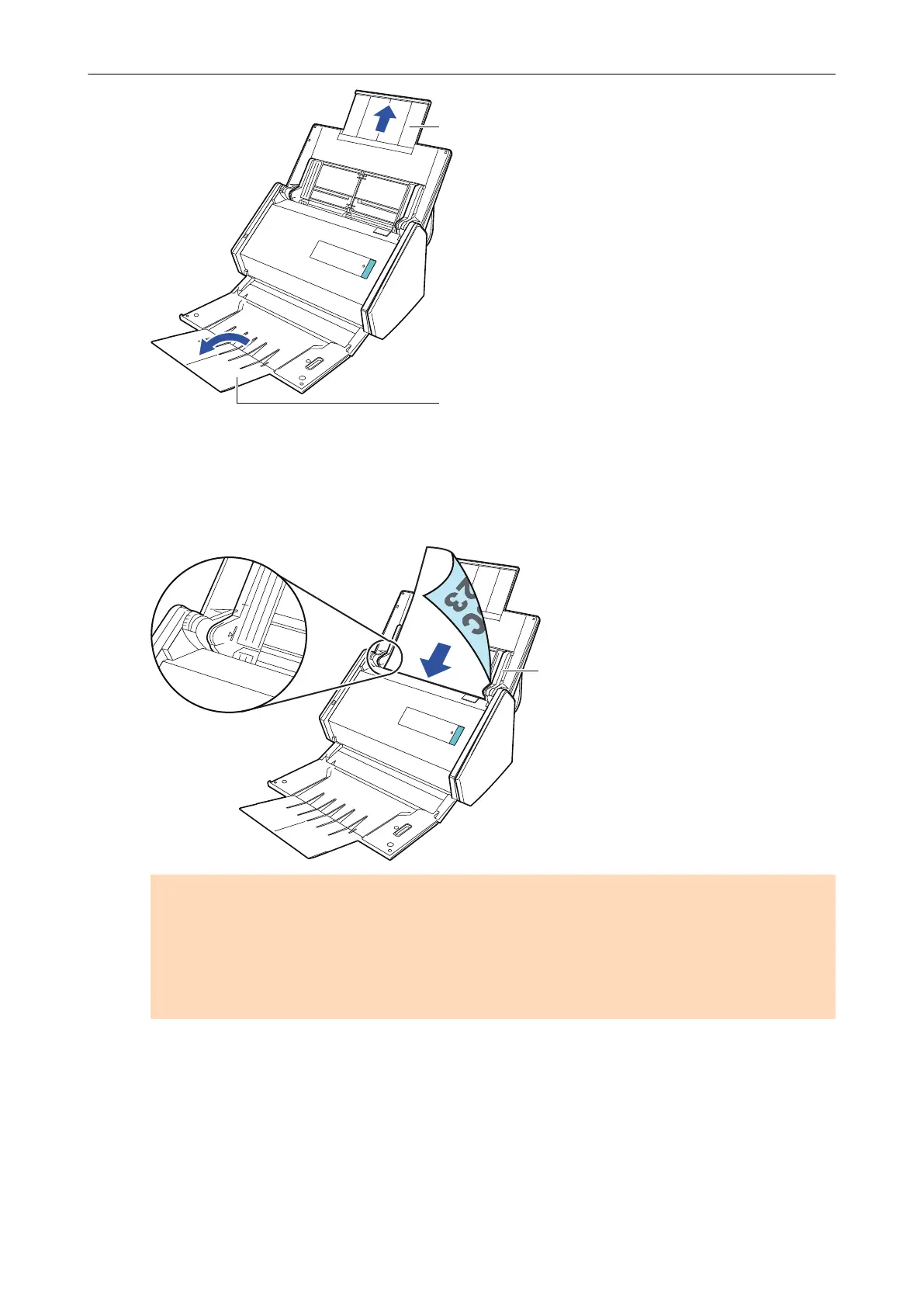
7. Load the documents in the ADF paper chute (cover).
Load the document face-down and head-first with the back facing you (when loading multiple
documents, the last page is on the top). Adjust the number of documents so that they do not
go beyond the reference marks and are kept within the side guides when they are loaded.
ATTENTION
l Do not accumulate more than 50 sheets (with paper weight of 80 g/m
2
[20 lb]) in the stacker.
l When the [Place document face up] checkbox is selected in the [Scanning mode option]
window, load the documents face-up and bottom edge down.
To open the [Scanning mode option] window, click the [Option] button in the [Scanning] tab of
the "ScanSnap Setup Window" (page 89).
Scanning Documents with iX500
218



 To Next Page
 Loading...












