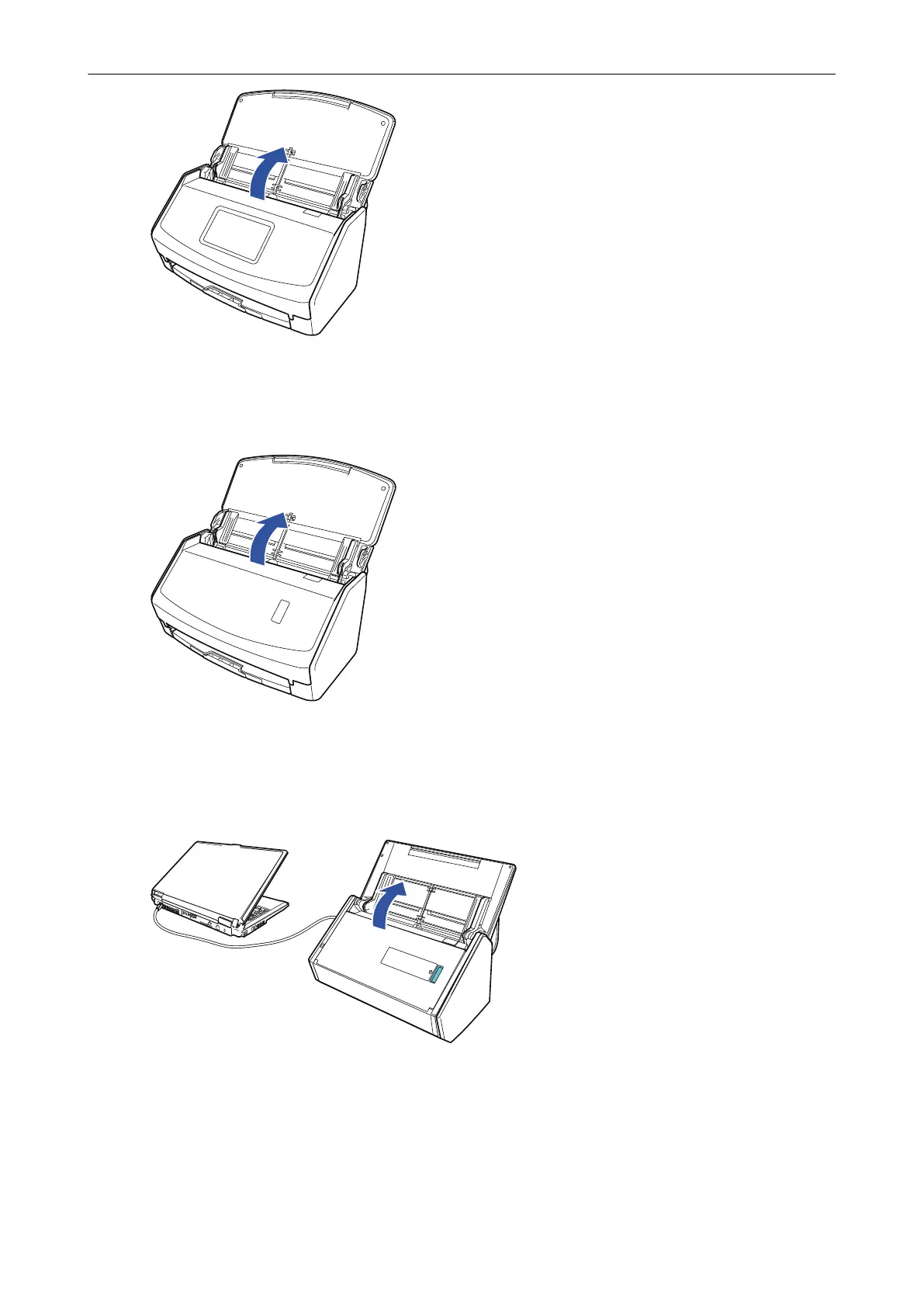
a The touch panel is activated.
iX1400
Open the ADF paper chute (cover) of the ScanSnap.
a The [Scan] button flashes in blue. The button returns to being lit normally when document
scanning is enabled.
iX500/S1300i
Open the ADF paper chute (cover) of the ScanSnap.
Example: iX500
a The [Scan] button flashes in blue. The button returns to being lit normally when document
scanning is enabled.
iX100/S1100i
Open the feed guide of the ScanSnap.
Turning the ScanSnap On or Off
93



 To Next Page
 Loading...












