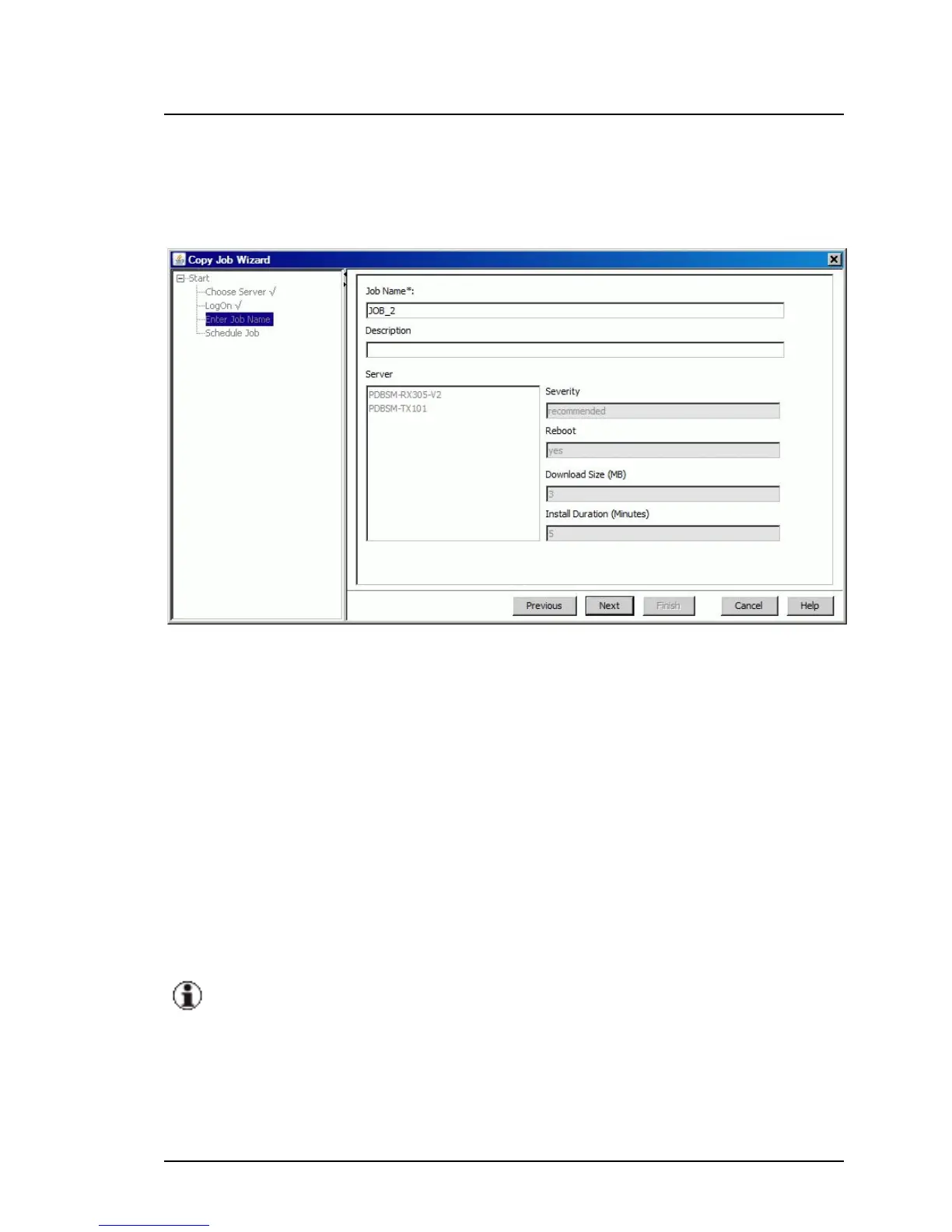
Enter Job Name step (Copy Job Wizard)
Enter Job Name is the third step in the wizard. Here you assign a name to
the job.
Figure 24: Enter Job Name step
Job Name
Unique name of the job
Default: JOB_<sequence number, starts at 1>
Description
Description of the job as a comment (optional)
The following fields are provided for information purposes only. You cannot
change the values.
If you create a job for multiple servers simultaneously, it may be that
the values of the parameters that should be displayed in the same field
are different. In this case, the string "---" will be displayed in this field.
ServerView Update Management 111
5.1 Update Manager Main Window



 To Next Page