5 User Interface
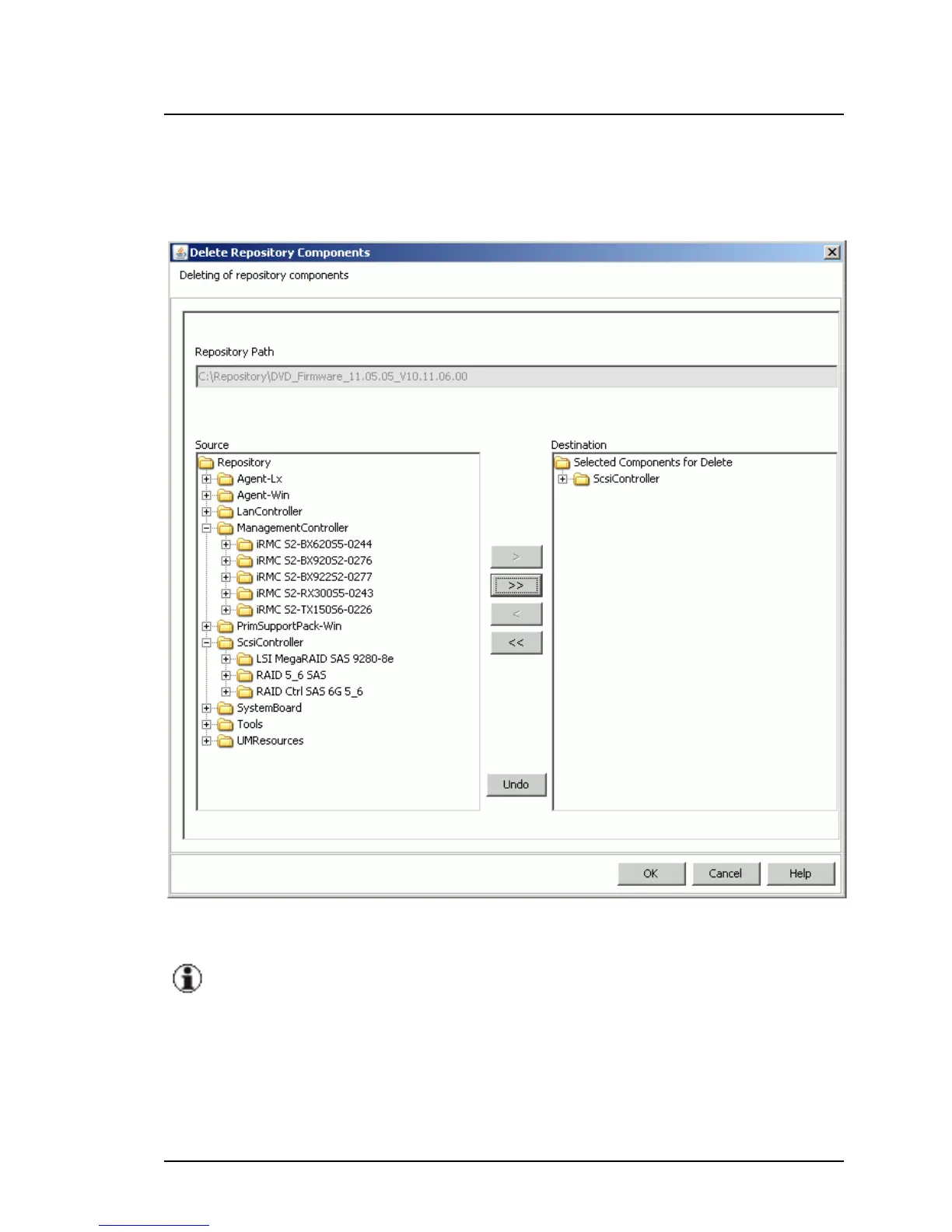
5.2.4.6 Delete Repository Components dialog box
To open this dialog box, click Delete on the Updates tab.
Figure 39: Delete Repository Components dialog
Deleting components is only possible if the current repository is locat-
ed on a local HDD partition of your computer or on an external USB
storage device.
Components which are used in an update job cannot be deleted. You
have to remove them from the update job at first.
148 ServerView Update Management



 To Next Page