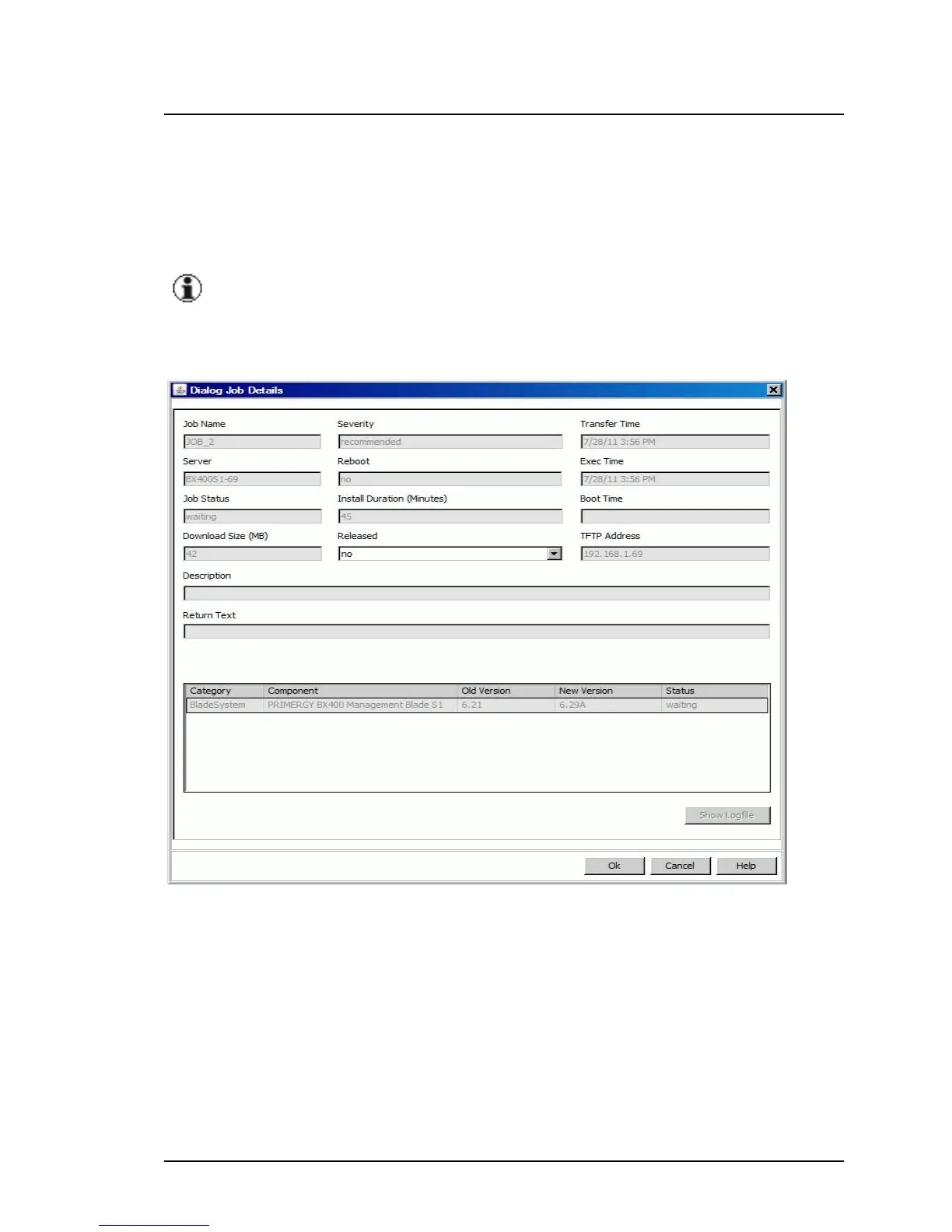
5.1.5.8 Job Details dialog box
The Job Details dialog box provides a clear and detailed overview of infor-
mation relating to the job you selected on the Job Details tab.
If you selected a server of the group Unsupported Servers or
Unknown Servers, no data will be displayed in this dialog.
To open this dialog box, click Show Details on the Job Details tab.
Figure 27: Job Details dialog box
You may only change the Released parameter in this dialog box. No other
parameters can be changed.
Job Name
Name of the selected job
ServerView Update Management 117
5.1 Update Manager Main Window



 To Next Page