Buttons
Once Immediately
Click this button to start a search for updates for the servers selected in
the table.
Deactivate
Removes the server selected in the table from the assigned download
task.
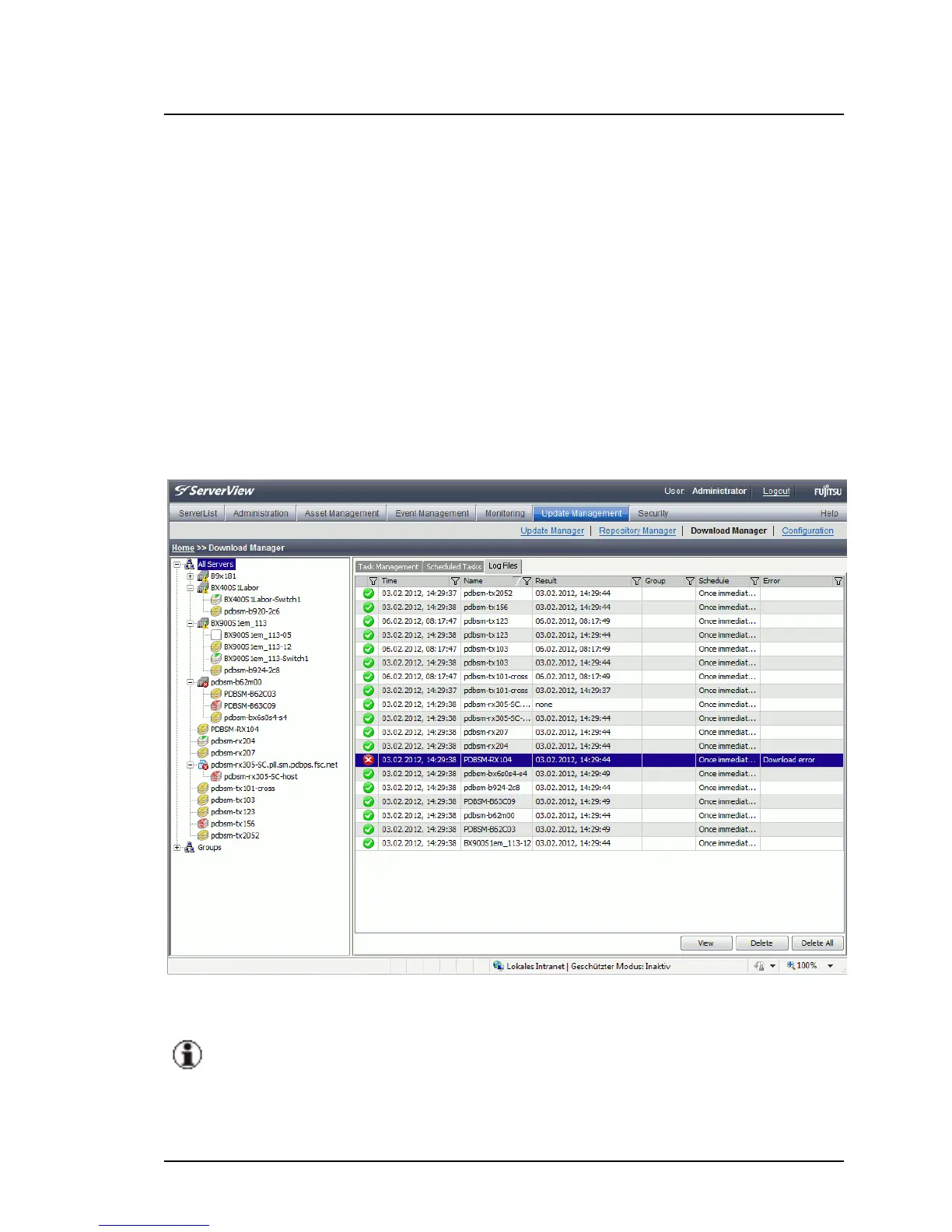
5.3.4 Log Files Tab
This tab contains information on download tasks already completed.
Figure 48: Log Files tab
In the table, a context menu is available. To open the context menu,
right-click an entry in the table.
The columns in the table have the following meanings:
ServerView Update Management 165
5.3 Download Manager Main Window



 To Next Page