5 User Interface
Server icons
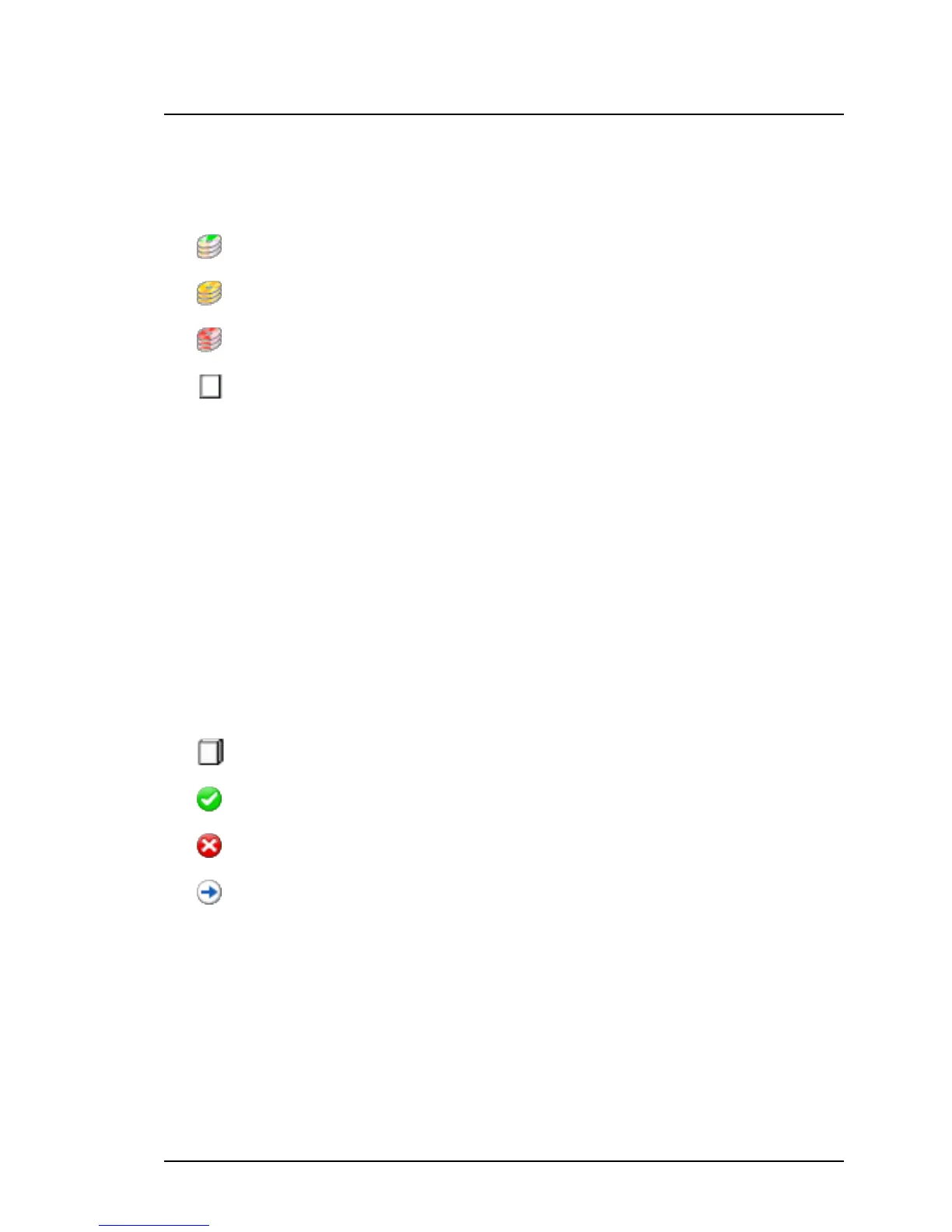
The icon in front of the server name indicates the status of the server.
No updates or updates with Severity = normal are required.
Updates with Severity = recommended are required.
Updates with Severity = mandatory are required.
Undefined, no existing inventory available.
Name
Shows the name of the server.
Group
Shows the name of the server group.
Schedule
Shows a summary of download schedule for the download task.
Status icons
This icon indicates the status of the download task.
Undefined - no download task was started
OK - last download task performed was successful
Error - last download task performed failed
Processing - a check or download is running
Last Result
Shows when a search for updates was last performed successfully.
Next Run
Shows when a search for updates will next be performed.
164 ServerView Update Management



 To Next Page