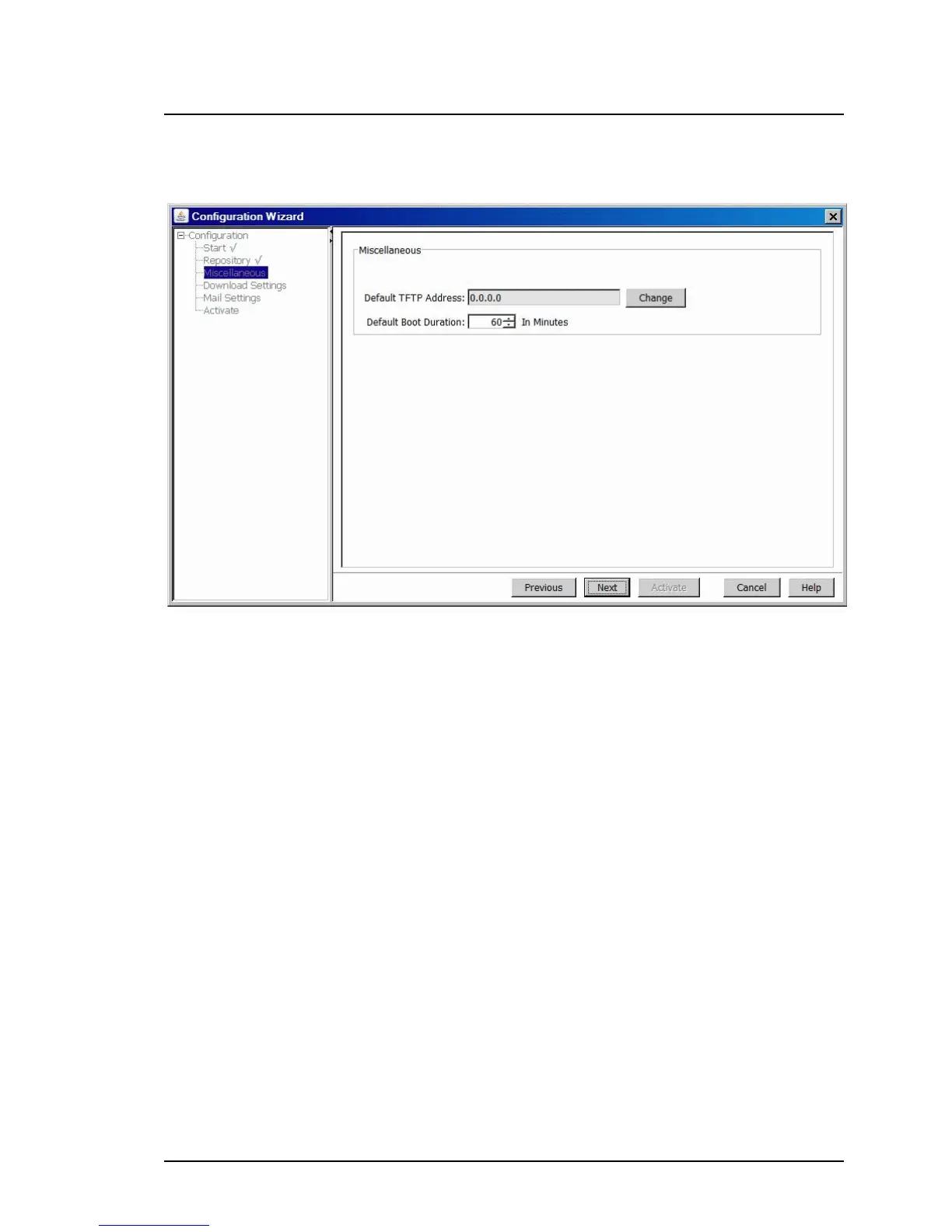
5.4.4.3 Miscellaneous step (Configuration Wizard)
Figure 58: Miscellaneous step
Default TFTP Address
IP address of a TFTP server (for components that are updated via TFTP
server, for example, management blades or connection blades).
Change
Opens the Change IP Address dialog box, where you can enter a new
TFTP address and test the establishment of a connection to the new
TFTP address.
Default Boot Duration
The length of time that Update Manager waits for an updated server to
reboot. The time you enter here is added to the length of time the server is
unavailable during the update.
ServerView Update Management 189
5.4 Configuration Main Window



 To Next Page