5 User Interface
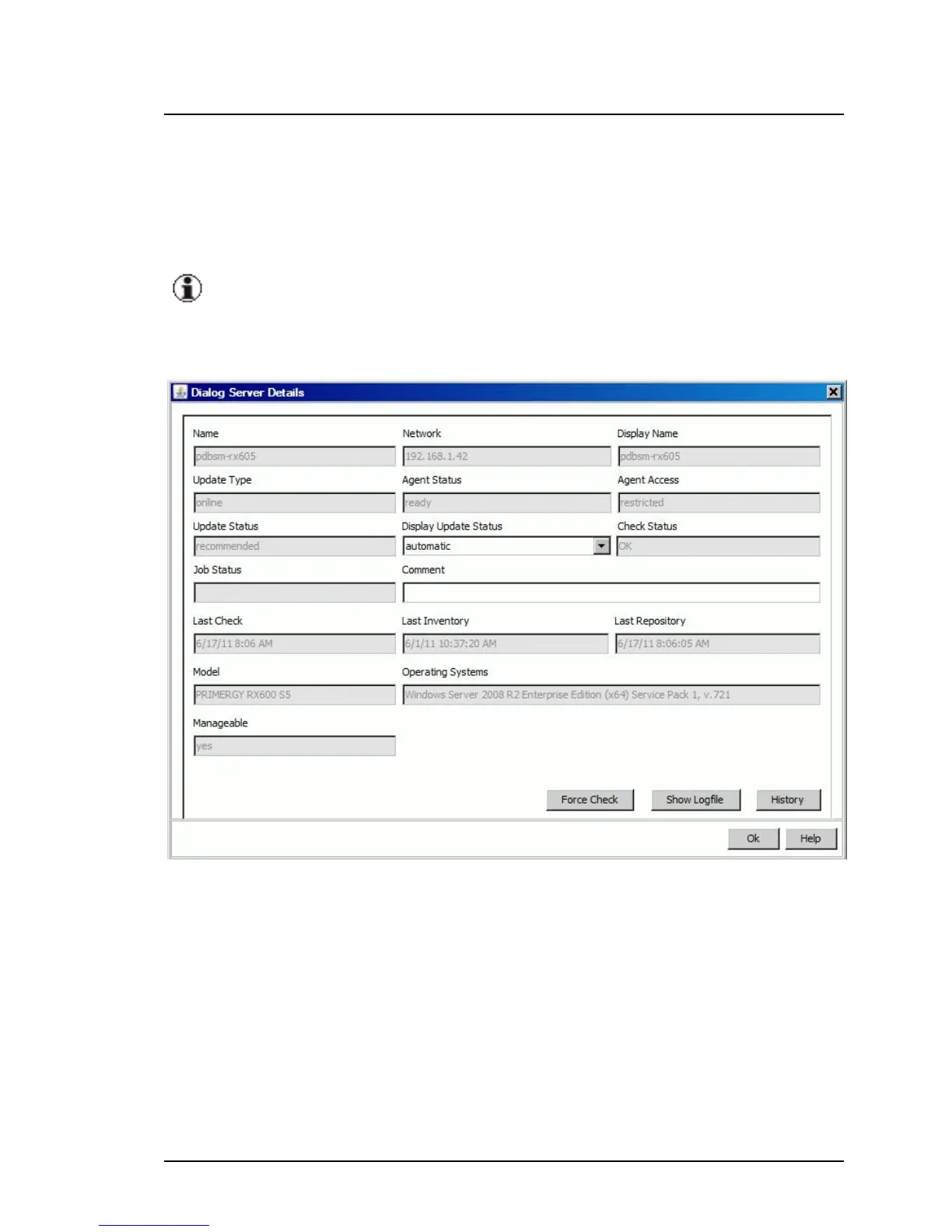
5.1.5.3 Server Details dialog box
The Server Details dialog box provides detailed information relating to the
server you selected on the Server Details tab.
If you selected a server of the group Unsupported Servers or
Unknown Servers, no server data will be displayed in this dialog.
To open this dialog box, click Show Details on the Server Details tab.
Figure 14: Server Details dialog box
Name
System name of the server
Network
IP address of the server
84 ServerView Update Management



 To Next Page