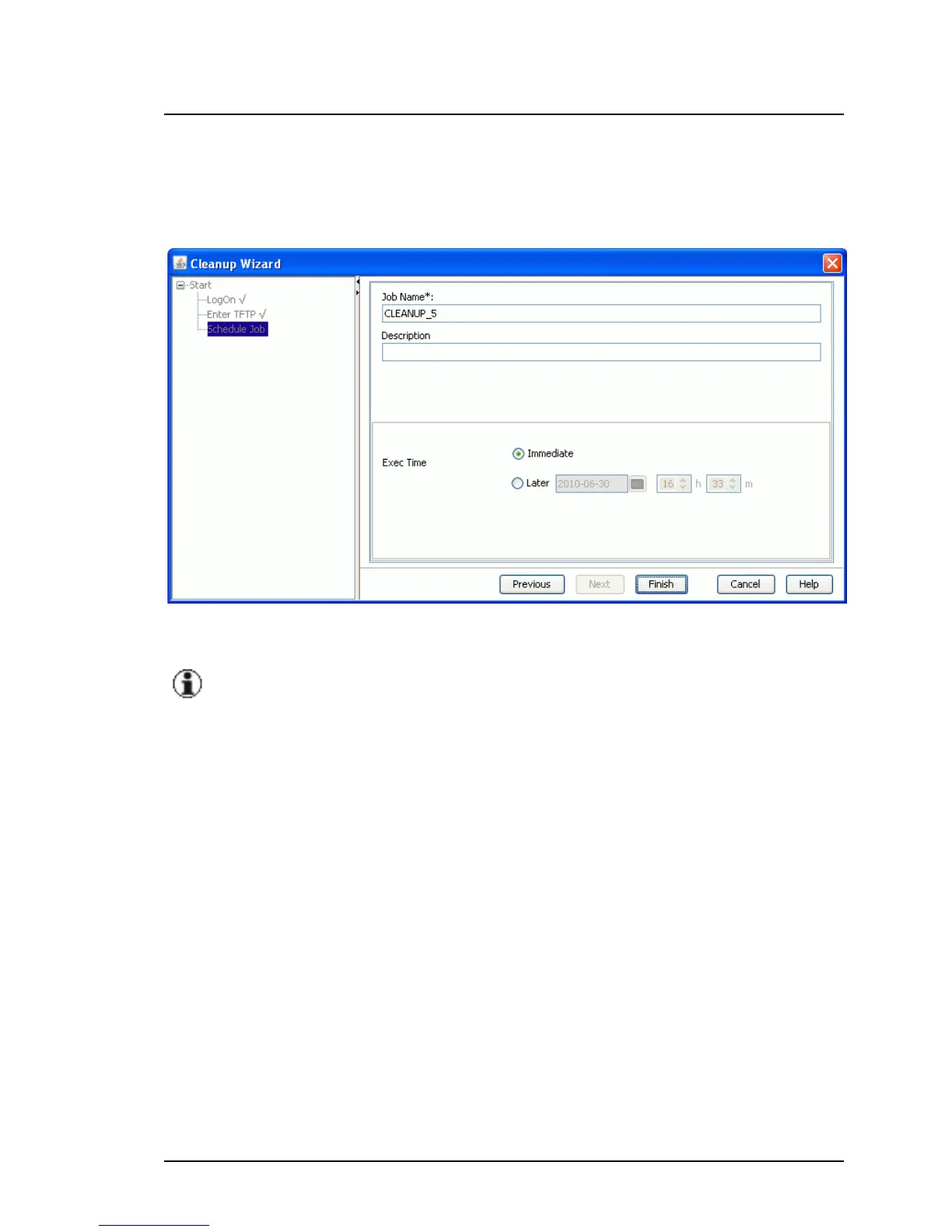
Schedule Job step (Cleanup Wizard)
Schedule Job is the last step in the wizard. Here you specify the time at
which the cleanup is to be executed.
Figure 13: Schedule Job step
Make sure that the server on which the cleanup is to be performed is up
and running at the time of execution.
Job Name
Unique name of the job
Default: CLEANUP_<sequence number, starts at 1>
Description
Description of the job as a comment (optional).
Exec Time
Start time for executing the job
Immediate Starts the job as soon as you click Finish to exit the
wizard.
Later Starts the job at the specified time.
Select date, hours, and minutes.
ServerView Update Management 83
5.1 Update Manager Main Window



 To Next Page