5 User Interface
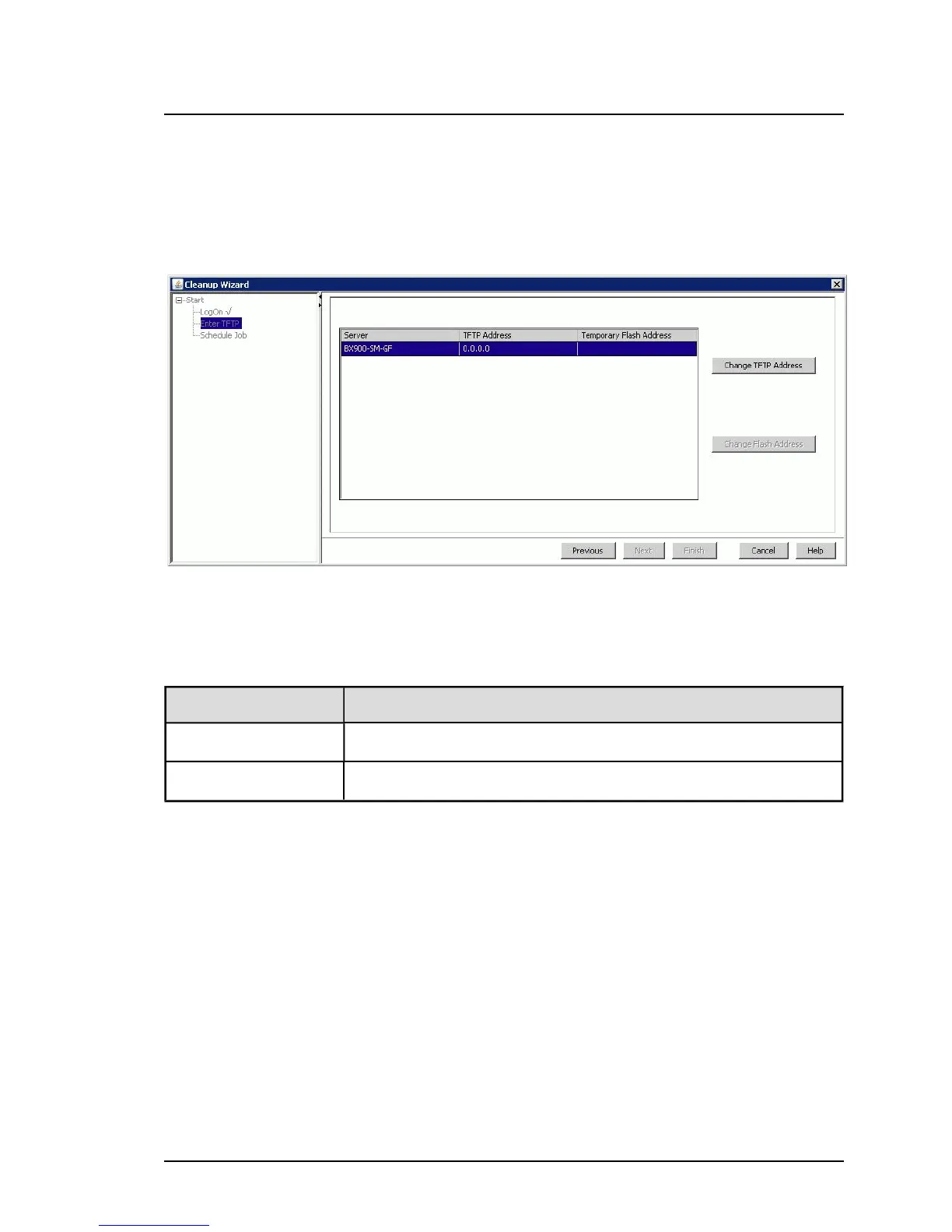
Enter TFTP step (Cleanup Wizard)
Enter TFTP is the second step in the wizard. This step is only displayed if
the cleanup runs via TFTP server (for example, in the case of a management
blade or a connection blade).
Figure 12: Enter TFTP step
The table shows a subset of the servers selected on the tab. For the servers
displayed here, cleanup will be done via the TFTP server.
Column Meaning
Server Name of the server
TFTP Address IP address of the TFTP server
Change TFTP Address
Click this button to change the IP address of the TFTP server for the
selected server.
82 ServerView Update Management



 To Next Page