5.3.5.3 Activate Download Server Tasks dialog box
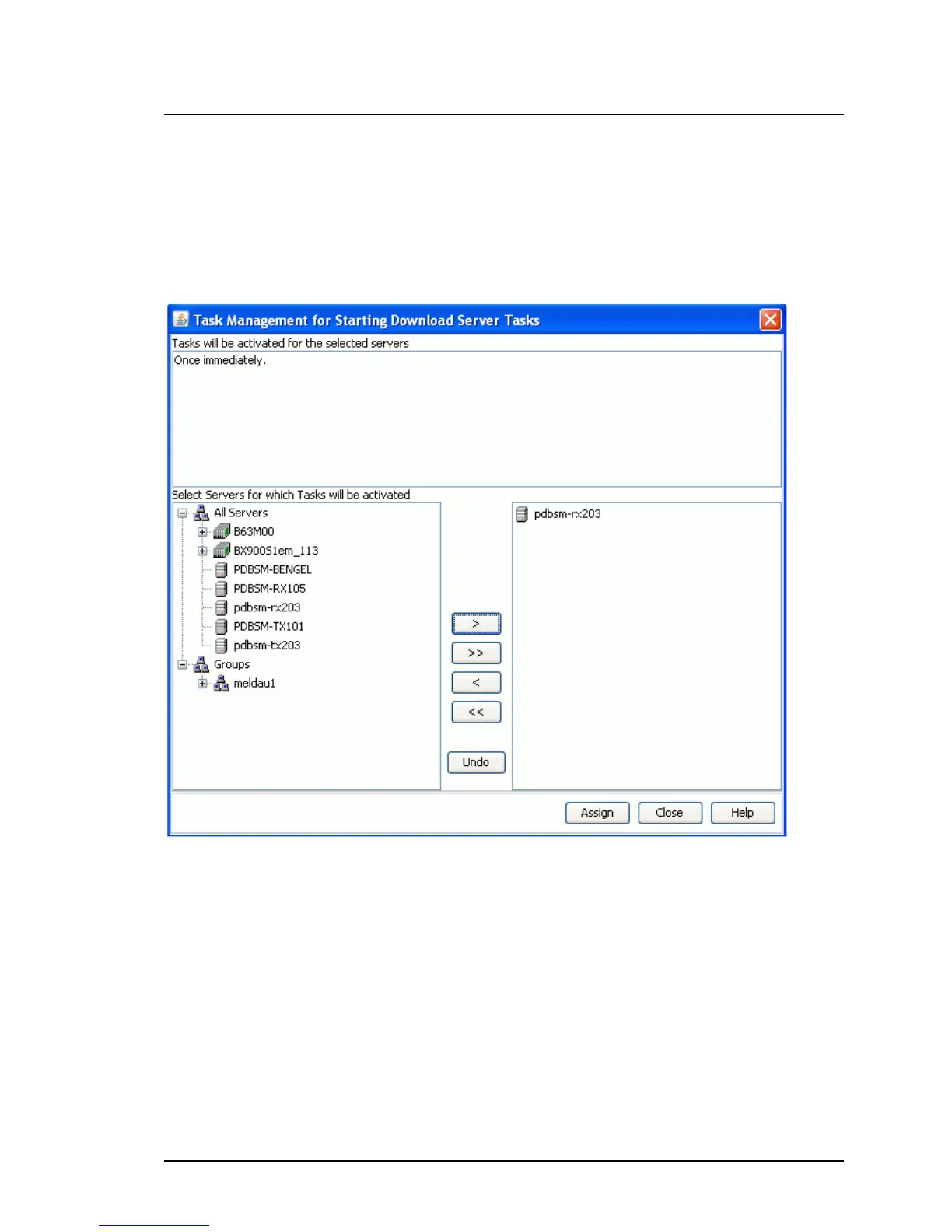
In this dialog box, you assign one or more servers to a download task.
To open the dialog box for a previously selected download task, click Acti-
vate ... on the Task Management tab.
Figure 51: Activate Download Server Tasks dialog box
The output field at the top of the window shows a summary of the values
specified for the download task.
The area on the left of the window contains a tree structure showing all avail-
able servers in the domain and the customized groups. Select the servers
you want to assign to the download task here.
The area on the right of the window contains a list of servers assigned to the
download task.
ServerView Update Management 173
5.3 Download Manager Main Window



 To Next Page