In the Source list on the left, all components of the current repository are dis-
played.
Select the components which should be deleted in the Source list and copy
them to the Destination list.
To delete the selected components, click OK.
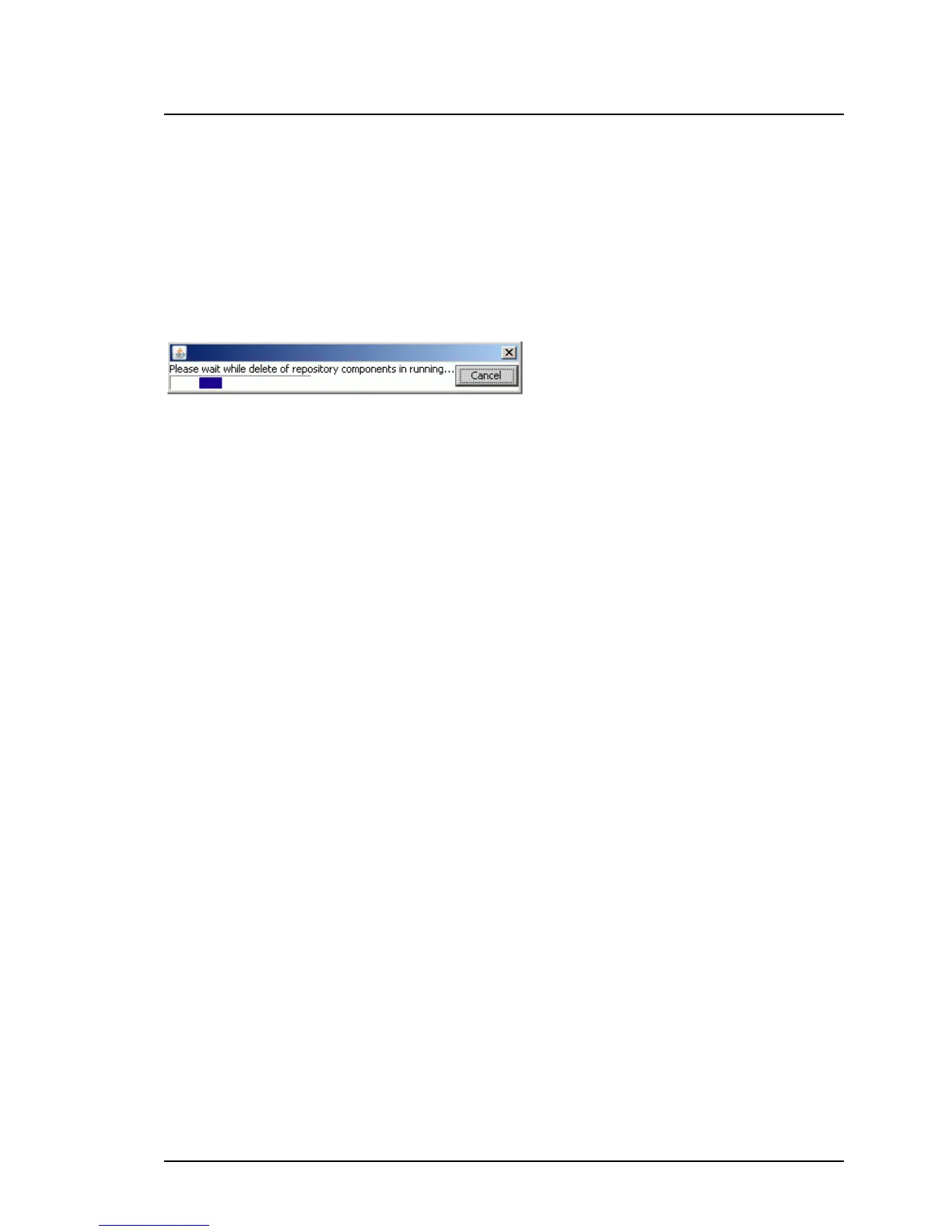
While the selected components are deleted, a progress bar is displayed.
If you abort the process by clicking Cancel, the delete process will be
stopped and the result dialog box will show all components which are already
deleted.
Repository Path
Displays the absolute path where the current repository is located.
Source
This list shows all components contained in the current repository.
Destination
This list shows all components selected from the Source list.
ServerView Update Management 149
5.2 Repository Manager Main Window



 To Next Page