5 User Interface
In the table, a context menu is available. To open the context menu,
right-click an entry in the table.
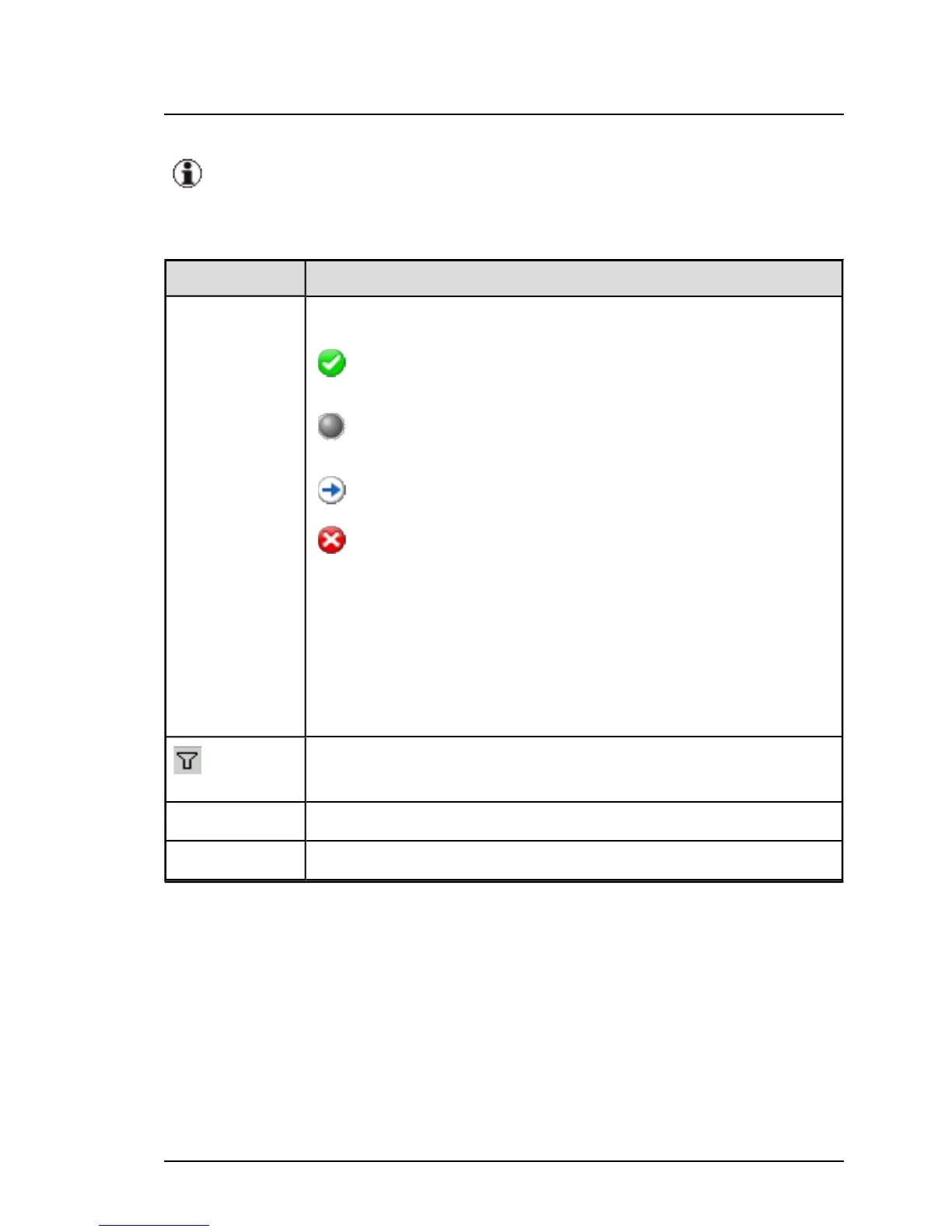
The columns in the table have the following meanings:
Column Meaning
Icon Status of the current jobs
All components have been updated and the job
is now completed.
The job is waiting to be executed (this is the stat-
us before the data transfer begins).
The job is currently being executed.
Possible reasons:
l The update of at least one component
failed.
l Check-Job was not successful
l Cleanup-Job was not successful
l Status could not be retrieved
Opens the Filtering for <column> dialog box, where you
specify which rows are to be displayed in the table.
Name Name of the job
Server Name Name of the server
72 ServerView Update Management



 To Next Page