10.NAVIGATION KEYS
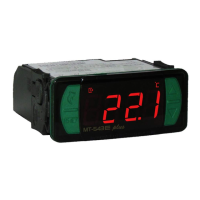
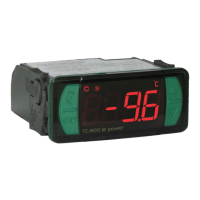
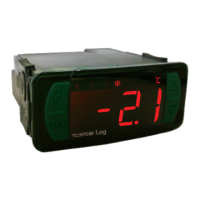
To toggle between screens, edit parameters, view advanced functions and other features, the RCK-862 plus has 6 navigation keys:
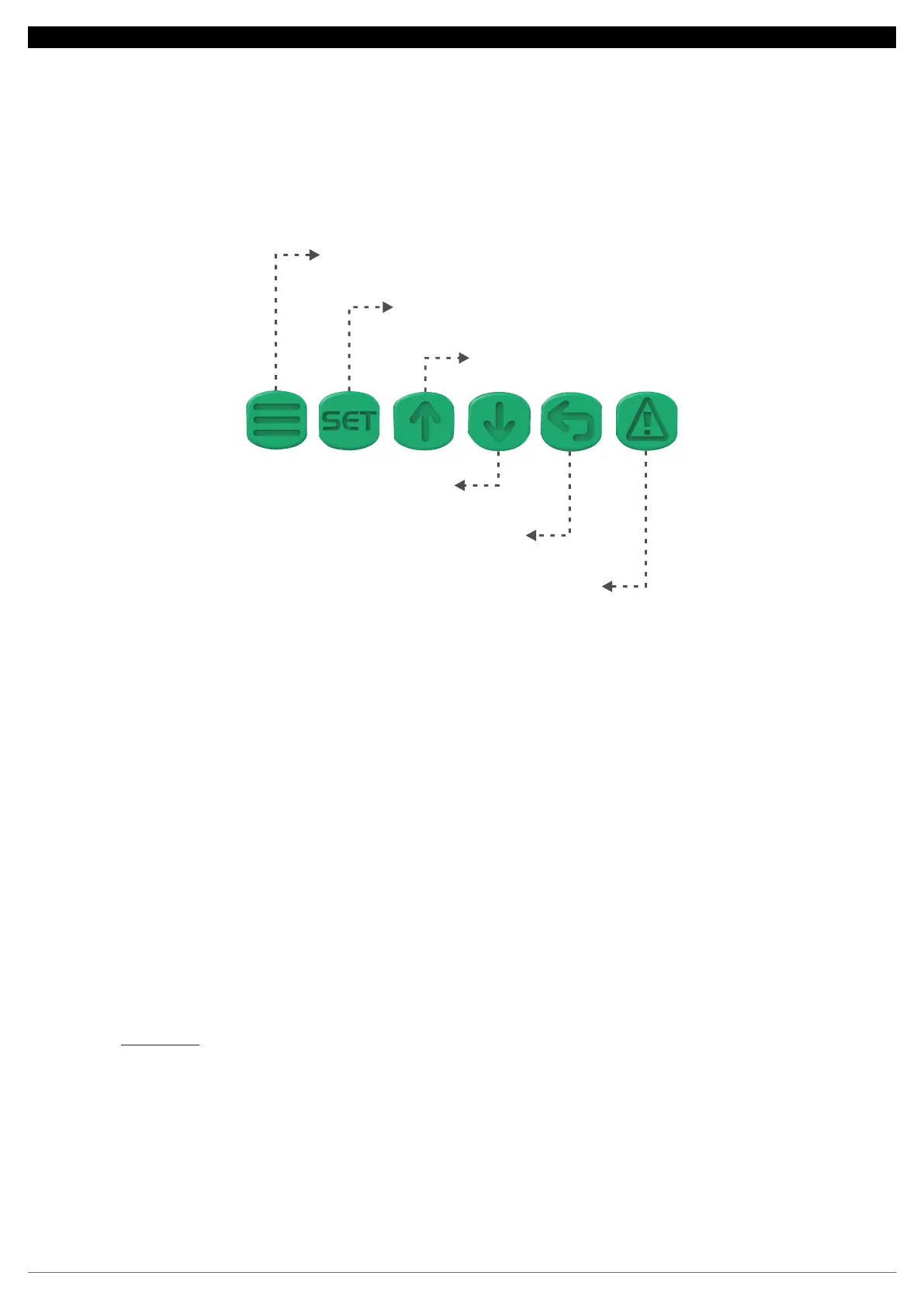
MENU key: Access the Main Menu and the Control Menu.
Control Menu: Press the MENU key.
Main Menu: Press and hold the MENU key for 2 seconds.
SET key: Confirms and edits the parameters and values.
INCREASE key: Increases values and navigates ‘’up’’ in Menus.
DECREASE key: Decreases values and navigates ‘’down’’ in the Menus.
BACK key: Returns to the previous screen without confirming a parameter change.
ALARM key: Access the display of active alarms, alarm history and alarms on reset.
Press the alarm key to switch between the Active Alarms, Alarm History and Reset Alarms screens. To clear the Alarm History, view the Alarm History
and press and golhd the Alarm key for 5 seconds.
Note: requires Administrator access level.
MENU
SET
INCREASE
DECREASE
BACK
ALARM
9


 To Next Page
 Loading...