V
R F
N
TI
N
ote
s
• I
you have not set the clock, “CLOCK SET” menu will appear at step 2. Re
er to “Clock Setting” on page 8
• You cannot set the ending time for the satellite link timer recording on this Unit.
• Recording picture will be distorted if the copy protection signal is being detected during satellite link timer recording.
• W
en a regu
ar timer recor
ing an
t
e sate
ite
in
timer recor
ing are over
appe
, t
ose recor
ings are recor
e
as i
ustrate
e
ow
h
ir
r
min
If you wish to go back to the left, press [s
Pr
to set satellite link standb
mode.
TIMER REC indicator on this Unit li
hts up and the Unit
oes to
the DVD mode. If
ou do not use DVD function, turn off the Unit
lli
ni
m
rn
n f
r V
R
lli
link
r
If an External Tuner (Cable/Satellite or Converter Set-to
Box) is
not set to output signa
s, sate
ite
in
wi
remain in stan
mo
e
To cancel the satellite link function in standb
mode
Pr
TIMER SET
n
h
R
m
n
r
l
r
STOP/EJECT CA
n
i
ni
T
c
ncel the
tellite link f
ncti
n while the
tellite lin
recordin
is in pro
ress
r
ST
P
EJECT
n
i
ni
Cop
ng a Cassette Tap
Warn
ng
Unauthorized recordings o
copyrighted cassette tapes
may be an in
ringement o
copyright laws.
1) Insert a pre-recor
e
cassette tape into anot
er externa
device
or playback
) Insert a recordable cassette tape into this Unit
or recording.
3
Press
SPEED
on t
e Remote Contro
to se
ect recor
ing
spee
(SP or SLP)
4) Press
INPUT SELECT
on t
e Remote Contro
to se
ect L1 or
2. Choose L1 i
device is connected to rear input jacks or L2
i
connected to the
ront input jacks. Re
er to
Front
Rear
ermina
on page 9
or more details
5
Press
REC
n
ni
6
Press “PLAY”
utton on t
e externa
evice.
7) To stop recor
ing, press
STOP/EJECT
on t
is Unit
then stop playback o
the external device.
Note(s)
For best results during dubbing, use buttons on this Unit whenever
possible. The Remote Control mi
ht affect another device’s operation
A
ways use vi
eo-qua
ity s
ie
e
ca
es wit
RCA-type connectors.
Stan
ar
au
io ca
es are not recommen
e
L2 input
acks are on the
ront o
this Unit
Please purchase the necessary cables at your local store. (Re
er to page 7.)
Pr
SPEED
to select the desired ta
e s
eed
In Sto
mode,
ress
SETUP
l
“
ATELLITE LINK”
hen press
to go to next step.
Set t
e
esire
start
our.
en press
o go
o nex
s
ep.
The hour can be selected
rom 1-12 with AM or PM
When the External Tuner (Cable/Satellite or Converter Set-top Box)
si
na
is stoppe
, recor
in
wi
e stoppe
.
-
TIMER PR
GRAMMING
ATELLITE LINK
AUT
REPEAT
FF
L
K
ET
LANG
AGE
ELE
T
SATELLITE LINK
1
M
N
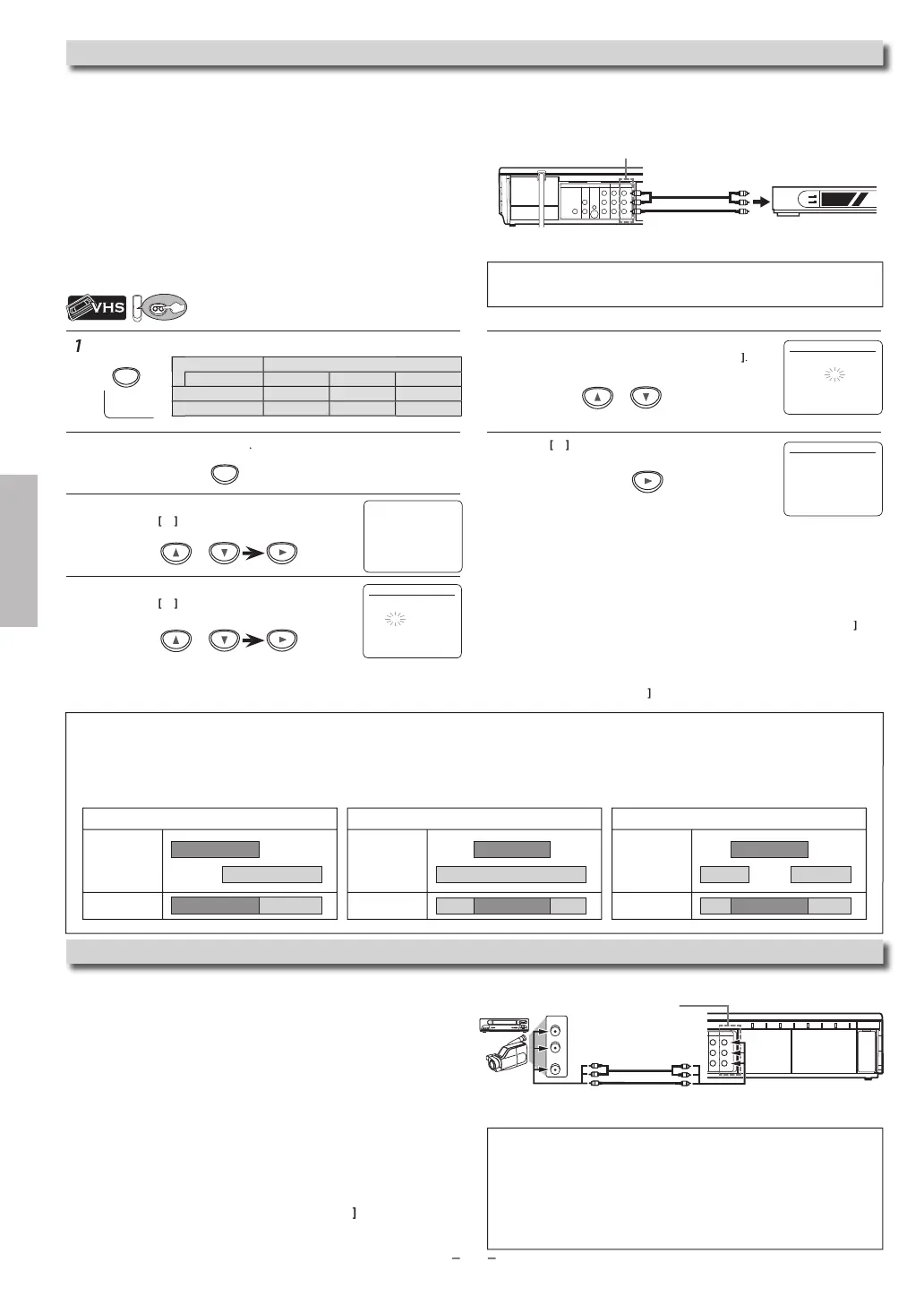
.g.) In case the timer recording is programmed in the middle
o
the satellite link timer recordin
timer recordin
ecor
ing resu
i
in
.g.) In case the timer recording is overlapped on the existing
sate
ite
in
timer recor
ing
timer recordin
recor
ing resu
i
in
.g.) In case the satellite link timer recording is overlapped
on t
e existing timer recor
ing
timer recordin
recor
ing resu
i
in
Preparation on t
e tuner
atellite link accepts only the connection from L1 (rear) with the
Externa
Tuner (Ca
e/Sate
ite or Converter Set-to
Box). (T
e
connection from L2 cannot read an
signals from the Ex
rn
T
n
.
•
The External Tuner (Cable/Satellite or Converter Set-top Box) should
be equipped with some kind of timer function. Using timer function
for the tuner, set it to output audio/video signals when it comes to the
time you want to start recording and to stop an output of audio/video
signals when it comes to the time you want to finish the recording.
Refer to the External Tuner’s manual on how to set the timer.
•
ake sure to turn off the External Tuner when you finish setting it up
P
SPEED
Tape speed Recording / playback tim
pe of tape T
12
1
P m
h
r 2h
r
2-2
3hour
LP m
h
r
h
r
h
r
ATELLITE LINK
1 2
te
ite Lin
ou can set the Unit to start recordin
whenever it detects a video si
nal
rom the External Tuner (Cable/Satellite or Converter Set-top Box)
reparin
for the Satellite Link Timer Recordin
reparation on t
is Unit
COAXIAL
DVD VCR
DVD/VCR
AUDIO IN
VIDEO IN
AUDIO OUT
AUDIO
OUT
DIGITAL
AUDIO OUT
S-VIDEO
OUT
COMPONENT
VIDEO OUT
VIDEO OUT
L
LY
R
L
R
R
C
B
/
P
B
C
R
/
P
R
External Tuner
Ca
e/Sate
ite or
Converter Set-top Box
RCA a
dio
video cable
VCR
DVD/VCR
AUDIO IN
VIDEO IN
AUDIO OUT
VIDEO OUT
L
R
L
R
AUDIO OUT
VIDEO OUT
L
R
or
output jacks o
externa
evic
rear of the Unit
CA au
io/vi
eo
ca
e
1
You can use a video disc pla
er, Cable/Satellite Set-top Box or other audio
i
eo component wit
au
io/vi
eo output jac
s
ATELLITE LINK
1
M
Note(s)
Please purchase the necessar
cables at
our local store. (Refer to page 7.)



 To Next Page