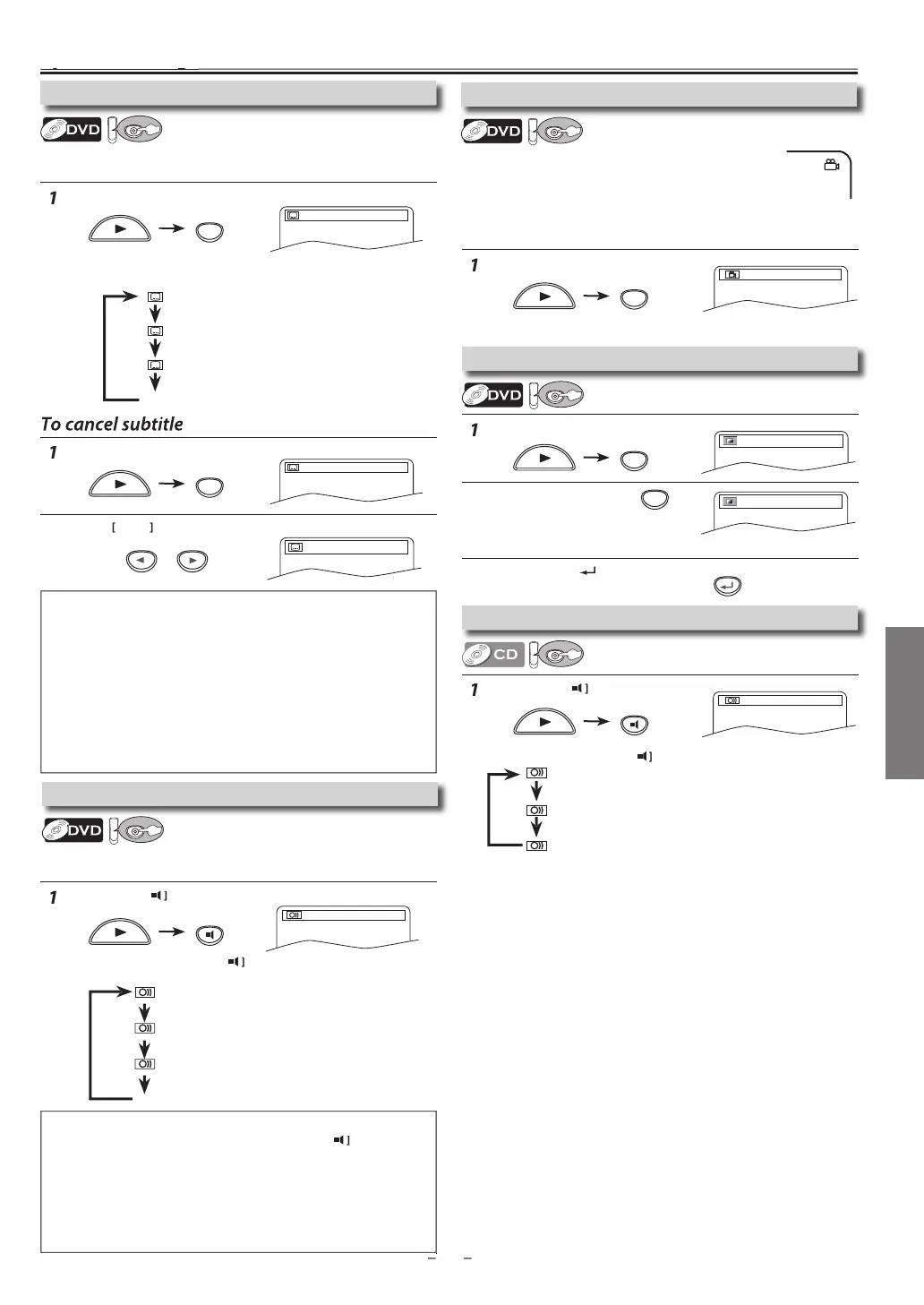
DVD FUNCTIONS
r
AUDI
during CD pla
back
Eac
time
ou press
AUDI
, soun
mo
e c
anges as examp
e
e
ow.
r
ANGLE
during pla
back.
Each time
ou press
ANGLE
camera an
le chan
es
ress
MODE
during playback.
r
K
to a
just
h
l
k l
v
l
ON: ma
es t
e
ar
areas
rig
ter
OFF: shows the ori
inal picture as recorded
r
RETURN
xi
Pr
AUDI
to c
an
e au
io Lan
ua
e.
Eac
time you press
AUDI
, t
e au
io Lan
ua
e c
an
es as
exam
e
e
ow
Pr
SUBTITLE
during pla
back
r
i
l
“
FF”
ress [SUBTITLE
during playback
Each time
ou press [SUBTITLE
, subtitle Language changes as
exam
le below
S
ecia
Settin
1.ENG Dolby D 3/2.1ch 48k/3
STERE
right and left channels are active
L-
h
left channel is active
R-ch
right channel is active)
T
is Unit a
ows you to se
ect a soun
mo
e
uring CD p
ay
ac
d
ust the black level to make the dark
areas of the TV picture brighter
Note
s
If
our Language is not shown after pressing
SUBTITLE
several times
the disc ma
not have that Language. However, some discs have the
subtitle Lan
ua
e settin
on the disc menu. (Operation varies dependin
on the discs, so refer to the manual alon
with the disc.)
When “NOT AVAILABLE” a
ears on the TV screen, it means no subtitle
i
r
r
n
h
n
If
ou choose a Language that has a 3-letter language code, the code will
be displa
ed ever
time
ou change the subtitle language setting. If
ou
choose an
other Languages, ‘---’ will be displa
ed instead. Refer to page 24.
Some discs will onl
allow
ou to change the subtitle from the disc
menu. Refer to the manual accompan
ing the discs for details
Note(s)
If
our Language is not shown after pressing
AUDI
several times
the disc ma
not have that Language. However, some discs allow audio
Language setting on the disc menu. (Operation varies depending on
the disc, so refer to the manual alon
with the disc.
When “NOT AVAILABLE” a
ears on the TV screen, it means audio
Language is not available
Some discs will onl
allow
ou to change the audio setting from the
disc menu. Re
er to the manual accompan
ing the discs
or details
OFF
(no subtitles
EN
(En
is
su
tit
es)
F
E
Frenc
su
tit
es
EN
En
lish audio)
PA
Spanis
au
io)
F
E
French audio
Subtitle Lan
ua
e
his Unit allows
ou to select a subtitle Language
if available)
during DVD pla
back
amera Ang
es
ome DVD ma
contain scenes which have been shot
imultaneousl
from various angles. You can change
he camera angle i
the “ANGLE ICON” appears on the
screen.
If the “ANGLE ICON” is set to “OFF” in “OTHERS” menu
it will not
ppear. Refer to pa
es 20-22.
tereo Sound Mod
Black Level Settin
Audio Lan
ua
T
is Unit a
ows
ou to se
ect an au
io Language
i
multi
le
Languages are avai
a
e)
uring DVD p
a
ac



 To Next Page