EasyManua.ls Logo

FUNAI DV220FX5 - Information; Maintenance; Specifications

FUNAI DV220FX5
28 pages
Print Icon
To Next Page IconTo Next Page
To Previous Page IconTo Previous Page
Loading...
PRECAUTIONS PREPARATION ADVANCED PLAYBACKBASIC OPERATIONS RECORDING OPTIONAL SETTINGS
INFORMATION
TROUBLESHOOTING
E
N
27
INFORMATION
Specifications
Servicing
Servicing
Please refer to relevant topics on the “Troubleshootin
g
Guide” on page 26 be
f
ore returning the product.
I
f this unit becomes inoperative, do not tr
y
to correct the
problem b
y
y
oursel
f
. There are no user-serviceable parts
inside. Turn o
ff
, unplug the power plug, and please call
our toll
f
ree customer support line
f
ound on the cover o
f
th
i
s
m
a
n
ual
to
locate
a
n
autho
riz
ed
se
rvi
ce
ce
n
te
r
.
Cleaning the Cabinet
Wi
p
e the front
p
anel and other exterior surfaces of the
u
ni
t
wi
t
h
a
soft
c
l
ot
h
.
Never use a solvent, thinner, benzene or alcohol to clean
t
h
e unit. Do not spra
y
insectici
d
e
l
iqui
d
near t
h
e unit.
Such chemicals ma
y
discolor the sur
f
ace or damage the
u
n
it.
Cleaning Discs
Cleaning Discs
W
h
en a
d
isc
b
ecomes
d
irt
y
, c
l
ean it wit
h
a c
l
eaning
cloth. Wi
p
e the disc
f
rom the center to out. Do not wi
p
e
in
a
c
ir
cula
r m
ot
i
o
n
.
Do not use solvents such as benzine, thinner, commerciall
y
avai
l
a
bl
e c
l
eaners,
d
eter
g
ent, a
b
rasive c
l
eanin
g
a
g
ents or
antistatic spra
y
intended
f
or analog records
.
Cleaning the Disc Lens
If
this unit continues to per
f
orm improperl
y
even a
f
ter
y
ou have re
f
erred to the relevant sections and to the
“Troubleshootin
g
Guide” in this manual, the laser optical
pic
k
up unit ma
y
b
e
d
irt
y
. Consu
l
t
y
our
d
ea
l
er or an
authorized service center
f
or inspection and cleaning o
f
t
h
e
l
aser optica
l
pic
k
up unit
.
Disc Handling
Disc Handling
W
h
en
y
ou
h
an
dl
e a
d
isc,
h
o
ld
it
by
its e
d
ge an
d
tr
y
not
to
touc
h
t
h
e
su
r
face
of
t
h
e
d
i
sc.
A
l
wa
y
s store t
h
e
d
isc in its protective case w
h
en not in use
.
Do not g
l
ue paper or put stic
k
ers onto t
h
e
d
isc. T
h
is ma
y
d
amage t
h
e
d
isc, an
d
t
h
e unit ma
y
not rea
d
it correct
ly.
Auto Head Cleaning
Auto Head Cleaning
Automatica
lly
c
l
eans vi
d
eo
h
ea
d
s as
y
ou insert or
remove a cassette tape, so
y
ou can see a c
l
ear picture
.
If the pla
y
back picture is blurred or interrupted while
t
h
e TV
b
roa
d
cast is s
h
owing c
l
ear, t
h
e
d
irt ma
y
h
ave
accumulated on the video heads, or the usage o
f
rental
or worn cassette tapes can cause this problem. I
f
a
strea
ky
or snow
y
picture appears
d
uring p
l
a
yb
ac
k
, t
h
e
vi
d
eo
h
ea
d
s in
y
our unit ma
y
nee
d
to
b
e c
l
eane
d.
1. P
l
ease visit
y
our
l
oca
l
au
d
io/vi
d
eo store an
d
purc
h
ase
a goo
d
qua
l
it
y
VHS vi
d
eo
h
ea
d
c
l
eaner
.
2. If a Video head cleaner does not solve the
p
roblem,
p
lease call our toll
f
ree customer su
pp
ort line
f
ound
o
n
t
h
e
co
v
e
r
of
t
hi
s
m
a
n
ua
l
to
l
ocate
a
n
aut
h
o
riz
ed
se
rv
ice
ce
n
te
r
.
Note:
Remem
b
er to rea
d
t
h
e instructions a
l
on
g
wit
h
t
h
e
vi
deo
h
ead
cl
ea
n
e
r
befo
r
e
u
s
e.
Cl
ean vi
d
eo
h
ea
d
s on
ly
w
h
en pro
bl
ems occur
.
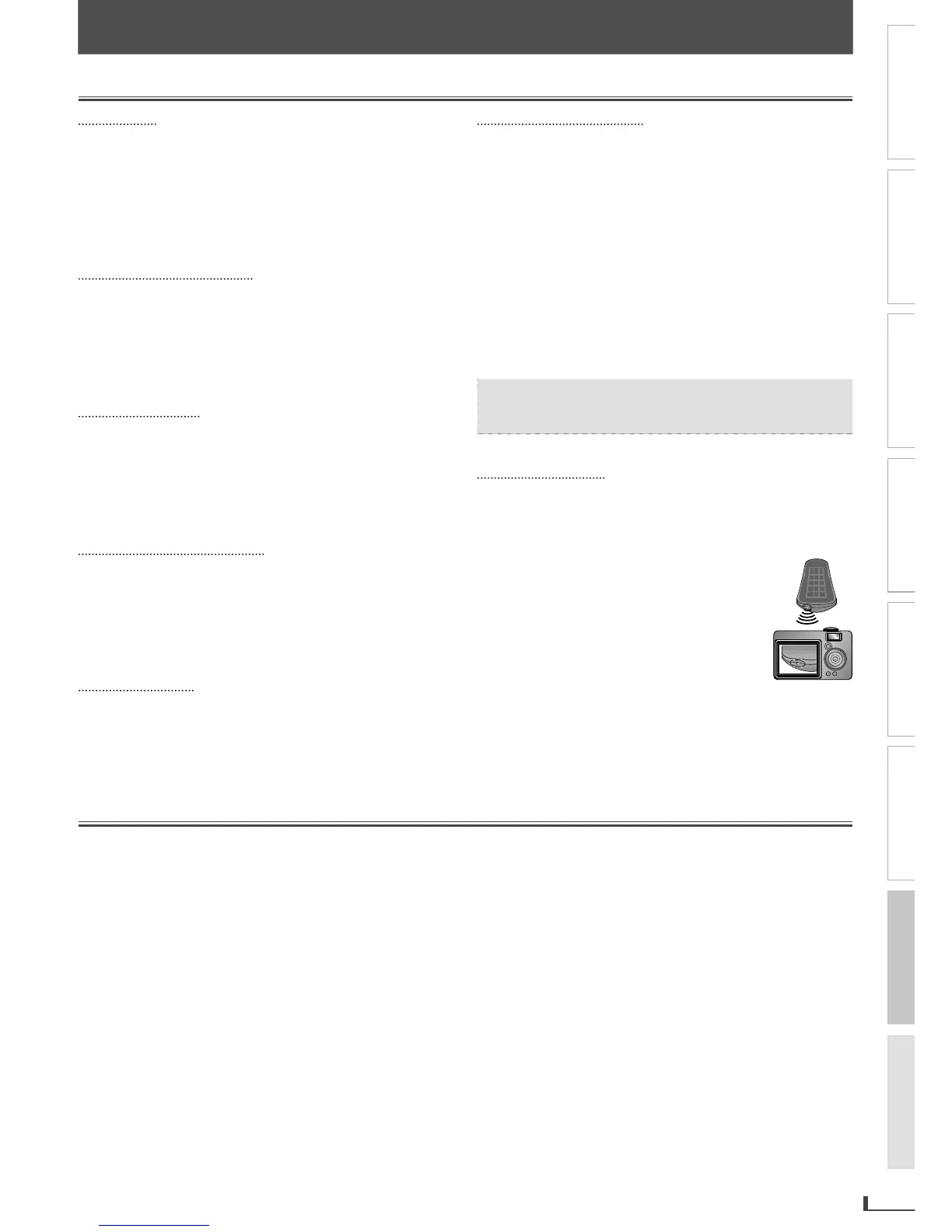
IR Signal Check
IR Signal Check
I
f
the remote control does not work properl
y
,
y
ou can
test if the remote control is sendin
g
out the infrared
si
g
na
l
wit
h
a
d
i
g
ita
l
camera (inc
l
u
d
in
g
b
ui
l
t-in camera
o
f
cellular phone). It will help to de
f
ine the cause o
f
m
a
l
fu
n
ct
i
o
n
.
Wit
h
a
d
igita
l
camera
(includin
g
built-in camera o
f
cellular phone)
:
Direct a
d
i
g
ita
l
camera to remote contro
l
,
p
ress an
d
h
o
ld
a
b
utton on remote contro
l
.
I
f
in
f
rared light appears through digital
camera, the remote control is workin
g.
Output signal
f
ormat
:
NTSC c
olor
Vi
d
e
o
he
ads
:
Rotar
y
four-hea
d
Ta
p
e wi
d
t
h
:
1/2 inc
h
(
12.65 mm
)
Ta
p
e s
p
ee
d
s
:
S
P
:
1-5/16 inc
h
/sec.
(
33.40 mm/sec.
)
L
P
: 16.67 mm
/
sec
.
S
LP
:
7/16 inc
h
/sec.
(
11.12 mm/sec.
)
Di
s
c me
d
i
a
s
ize
:
5 inc
h
es
(
12 cm
)
/ 3 inc
h
es
(
8 cm
)
Termin
a
l
s
:
Com
p
onent vi
d
eo out
p
ut
:
RCA
j
ac
k
x
3
Y
:
1 V
p
-
p
(
75 Ω
)
P
b
:
700 mV
p
-
p
(
75 Ω
)
P
r
:
700 mV
p
-
p
(
75 Ω
)
Video out
p
ut : RCA
j
ack x 1 1 Vp-p (75 Ω)
Coaxia
l
d
i
g
ita
l
au
d
io output : RCA
j
ac
k
x 1 500 mVp-p
(
75 Ω
)
Au
d
io out
p
ut : RCA
j
ac
k
x 4 2 V rm
s
Vi
d
eo in
p
ut : RCA
j
ac
k
x 2 1 Vp-p
(
75 Ω
)
Au
d
io in
p
ut : RCA jac
k
x 2 2 V rm
s
Rem
o
te c
o
ntr
ol
:
Digital encoded in
f
rared light s
y
ste
m
Operat
i
n
g
temperature
:
41 °F
(
5 °C
)
to 104 °F
(
40 °C
)
Power requirements
:
1
20 V AC +
/
- 10 %
,
60 Hz +
/
- 0.5
%
Power consum
p
t
i
on (max
i
mum)
:
1
6 W
(
stan
db
y
:
2.8 W
)
D
i
men
sio
n
s
:
W
:
17 3/16”
(
435 mm
)
H
: 3 3/4”
(
94 mm
)
D
:
9 3/16”
(
233 mm
)
Wei
gh
t
:
A
pp
rox. 5.63
lb
s
(
2.55
kg)
• Designs and speci
f
ications are subject to change without notice
.
If there is a discrepanc
y
between languages, the default language will
b
e Eng
l
is
h.
Maintenance
INFORMATION
E8R6AUHDV220FX5OMv1.indd27 2014/10/0615:42:23

Related product manuals