28
Change Settings
English
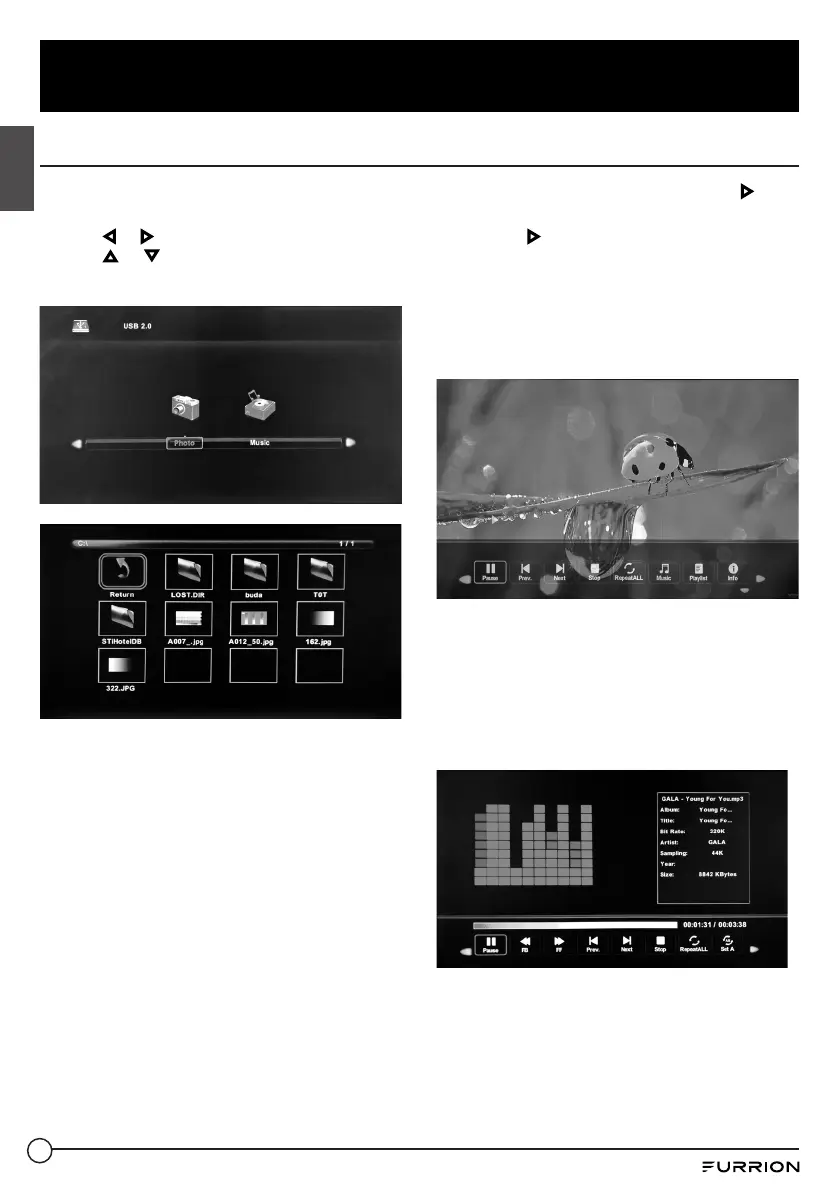
USB Mode
1. After connecting a flash drive, press SOURCE button and select Media. Press OK or to
enter.
2. Use or to select to view Photo or Music. Press OK or to enter.
3. Use or to navigate the files or folders on the USB drive.
4. Press MENU to return to the previous menu or press EXIT at any time to exit the setting.
When viewing photos, you can use this photo
viewer tool to control slide show, play music
and show file information.
The photo viewer displays .jpg photo format
files.
Playback of music is via this music player,
which gives playback controls and
information on the file.
The music player plays MP3 audio format
files.



 To Next Page