16
Change Settings
English
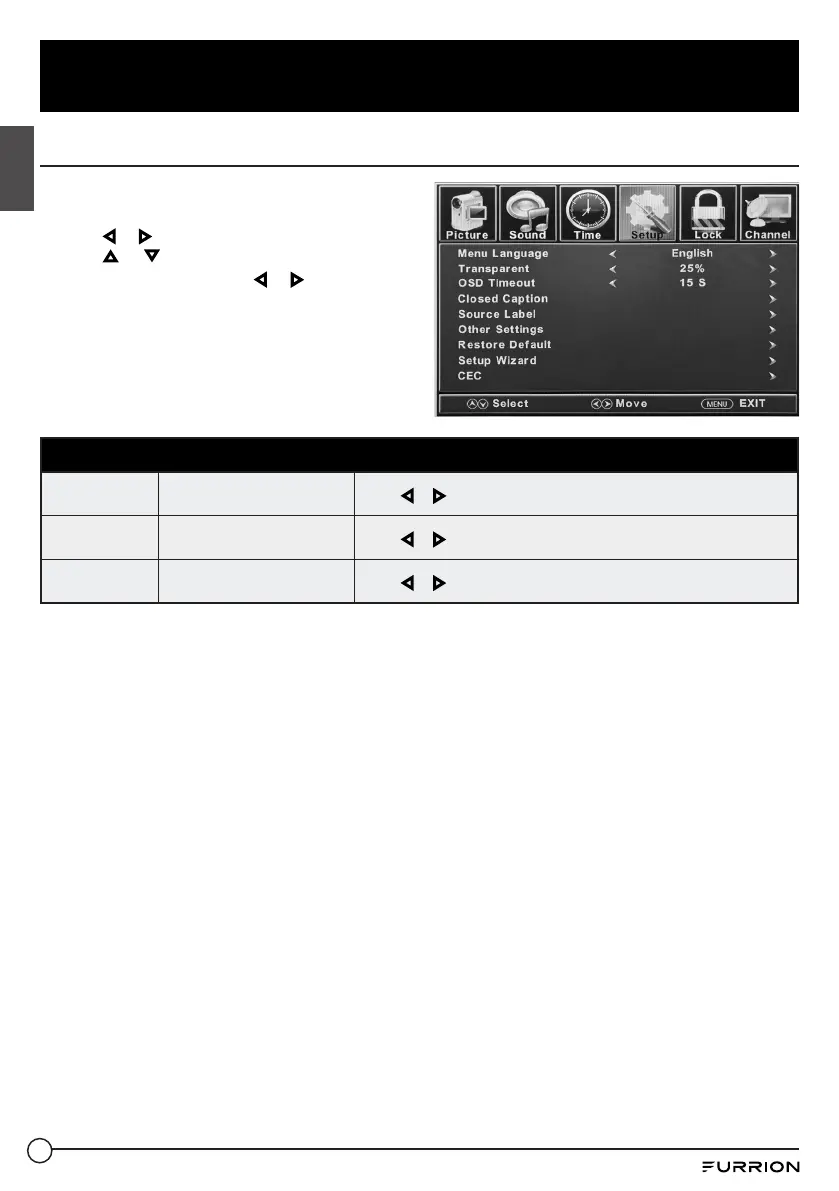
Setup Settings
1. Press MENU button, the setup window will
appear on the screen.
2. Use or to highlight Setup mode.
3. Use or to highlight the item you would
like to reset, then press or to select the
settings.
4. Press MENU to return to the previous
menu or press EXIT at any time to exit the
setting.
Setup Menu
Menu
Language
Selects the menu language
Press or to select English, Franais or Español.
Transparent
Controls the transparency
level of the menu
Press or to select 0% / 25% / 50% / 75% / 100%.
OSD Timeout
Set the time that the OSD
stays on the screen
Press or to select 5 S / 15 S / 30 S / 45 S / 60 S.



 To Next Page