22
Change Settings
English
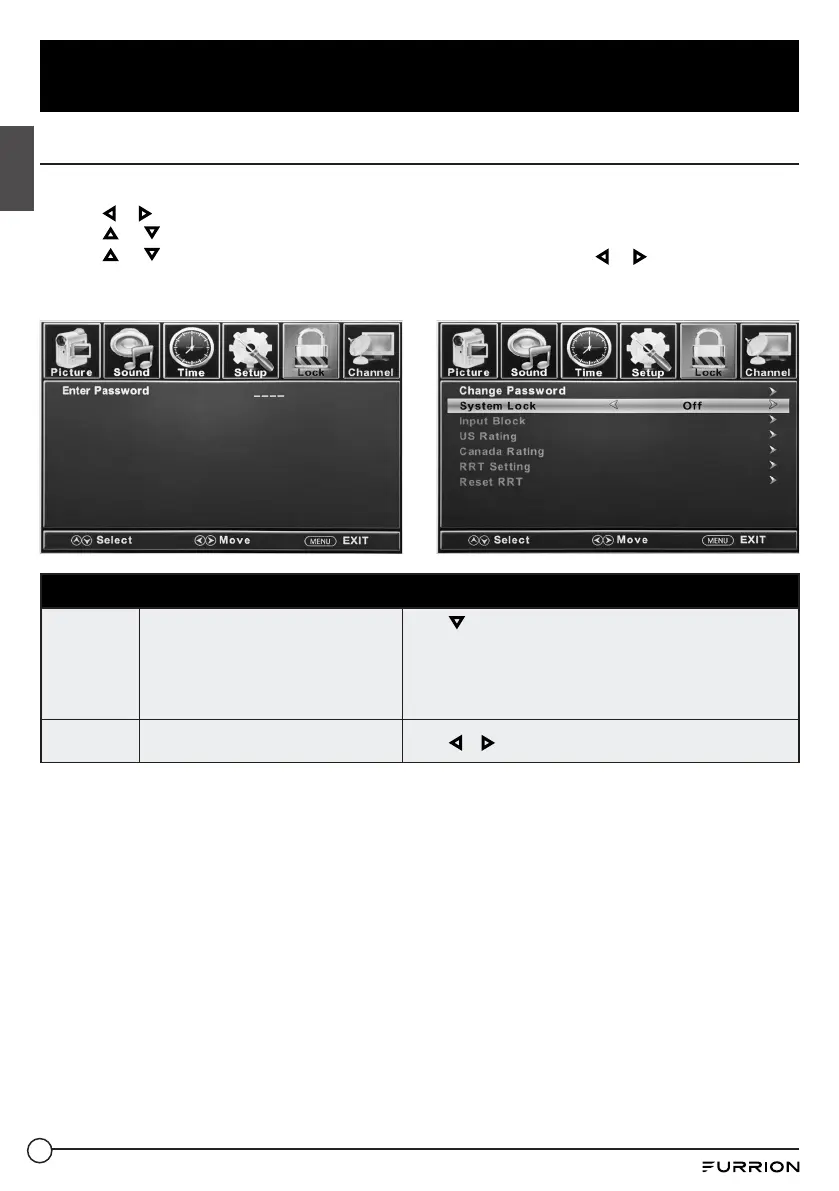
Lock Settings
1. Press MENU button, the setup window will appear on the screen.
2. Use or to highlight Lock mode.
3. Use or to highlight “Enter Password” and input “0000” to enter the setup window.
4. Use or to highlight the item you would like to reset, then press or to select the
settings.
5. Press MENU to return to the previous menu or press EXIT at any time to exit the setting.
Lock Menu
Change
Password
Changes the User Password
Press to highlight Enter Password. Use the Number
Buttons (0~9) to enter the password, and the Lock setup
window will appear.
* Default password is 0000.
* If you forgot the password, use 8888 to enter any locked
menu.
System
Lock
Password locks the system
Press or to set as On or Off.



 To Next Page