1. MOUNTING THE UNIT
7
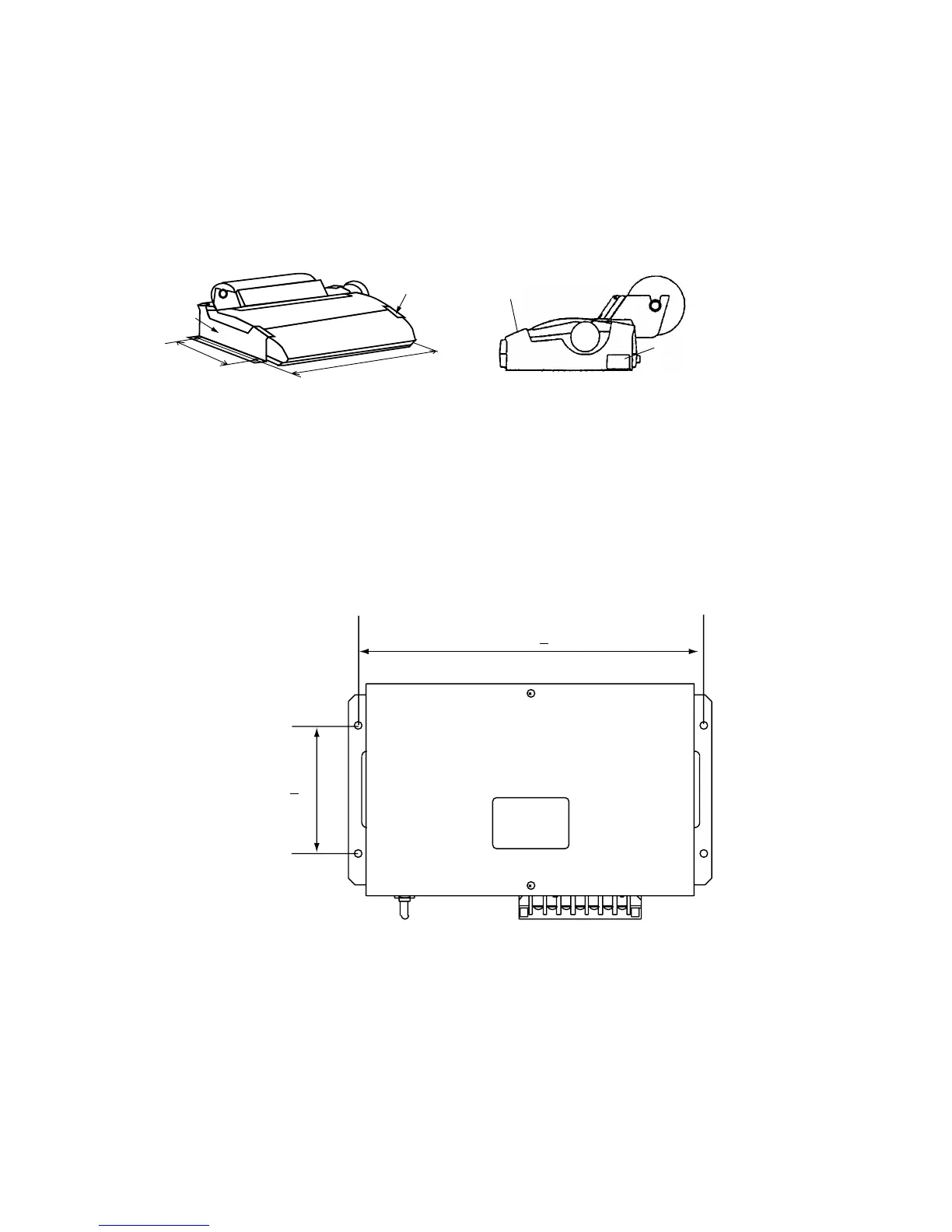
1.4 Printer PP-510 (option)/
EGC Printer PP-505 (option)
PP-510 (option)
Lay the printer on a table and fix it with printer fixtures 1 and 2.
Attach labels appropriately; right side of printer for the compass safety distance label and
front of printer for INMAR C label.
405
200
Printer
fixture1
Printer fixture 2
Label for
Compass safety distance
INMARSAT label "C"
Printer PP-510
PP-505 (option)
1. Fix the hanger on a table with four tapping screws.
2. Screw knobs into printer.
3. Set printer to hanger and tighten knobs.
1.5 AC/DC Power Supply Unit PR-240 (option)
Fix the unit on a table with four tapping screws.
272 + 1
100 + 1
AC/DC power supply unit, dimensions



 To Next Page