1. MOUNTING THE UNIT
8
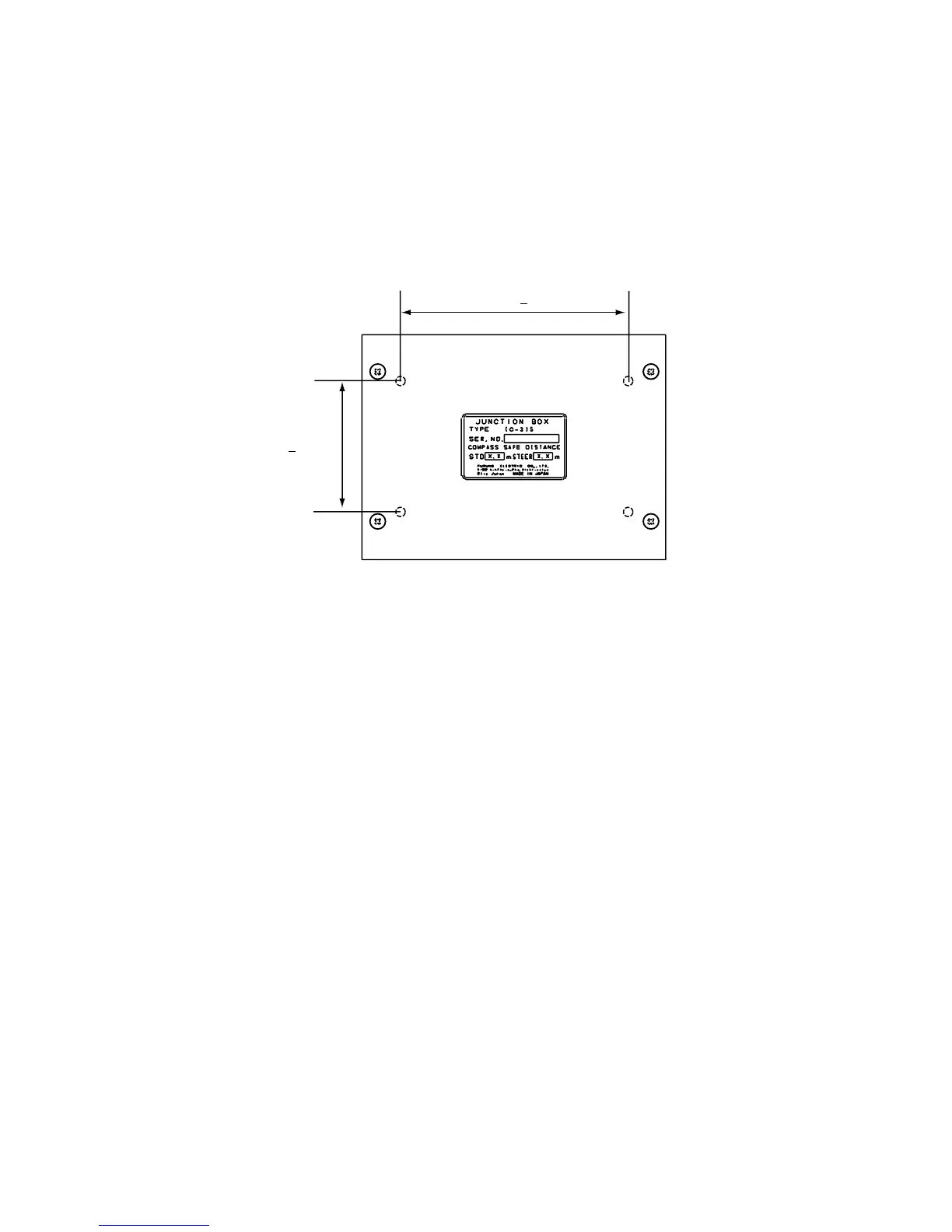
1.6 Junction Box IC-315
The junction box IC-315 is connected to the terminal unit by using the cable assy 16S0344
(2 m, attached to the junction box). Install the junction box within 2 m from the terminal unit.
1. Remove four screws from the unit to separate the bottom chassis from the top chassis.
2. Fix the bottom chassis to the mounting location with four tapping screws (4x16:
supplied).
3. Connect the cables appropriately referring to Chapter 2.
120 + 0.5
70 + 0.5
Junction box IC-315, dimensions



 To Next Page