UM-STO-C Revision C 17
Operators and Technicians
PSA-66-001N
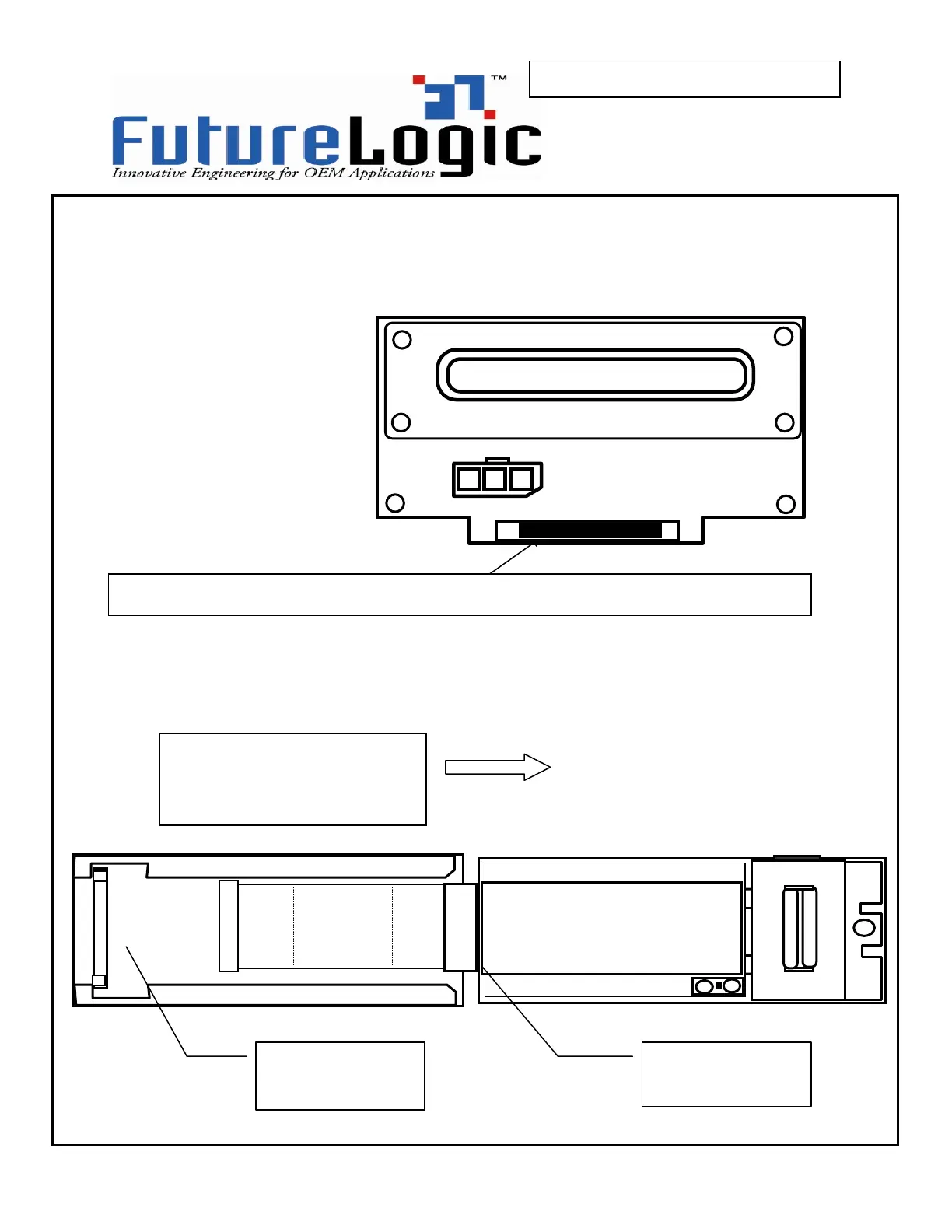
Press in the release lever under the front of the sliding module to release the sliding
printer module. The will release the locking mechanism and the unit may now be pulled
completely out of the stationary module.
Remove the printer from the machine.
4 –
push inward on the locking bar at the front of the unit to unlock the sliding module
5 –
slide the drawer module
completely out of the stationary
module
Gray connector end
of cable hooks to
Black connector end
of cable hooks to
rear daughter board



 To Next Page