Appendix D: Power LED Blink Codes and Error Messages
71
Appendix D: Power LED Blink Codes and Error Messages
Blink Codes
In the rare event that some electronics module fails, we include the start-up blink codes that the blue PWR LED
flashes. Upon start-up, view the PWR LED. If it blinks more than five times, or flashes one of the blink-codes
below, please call Gamry Instruments for service.
Normal Start-up
The PWR LED flashes four or five times.
Failure in an electronics module
The PWR LED flashes codes depending upon the failed module:
Post SDRAM unidentified problem
Post Serial init. RX buffer
Three times, then four times
Post Serial init. TX buffer
Three times, then five times
Three times, then six times
Post Communications module missing
Three times, then eight times
Post potentiostat missing
If there are multiple problems, the communications board takes code priority over the memory module.
Severe problem
The red LED, which normally switches off after a rapid boot-up, remains illuminated.
Error Messages and Limitations
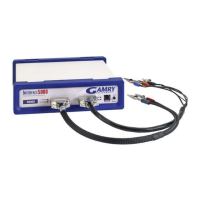
The Interface 5000 has a subtype, Interface 5000P, which may generate error messages under certain run-time
conditions.
Error Message This instrument is not authorized for Freq=
The Interface 5000P is able to perform EIS at frequencies 20 kHz or lower. Higher frequencies generate this
error message. Decrease the upper frequency to continue.
If you receive one of the above codes, please call Gamry Instruments Service Department for
assistance.


 To Next Page