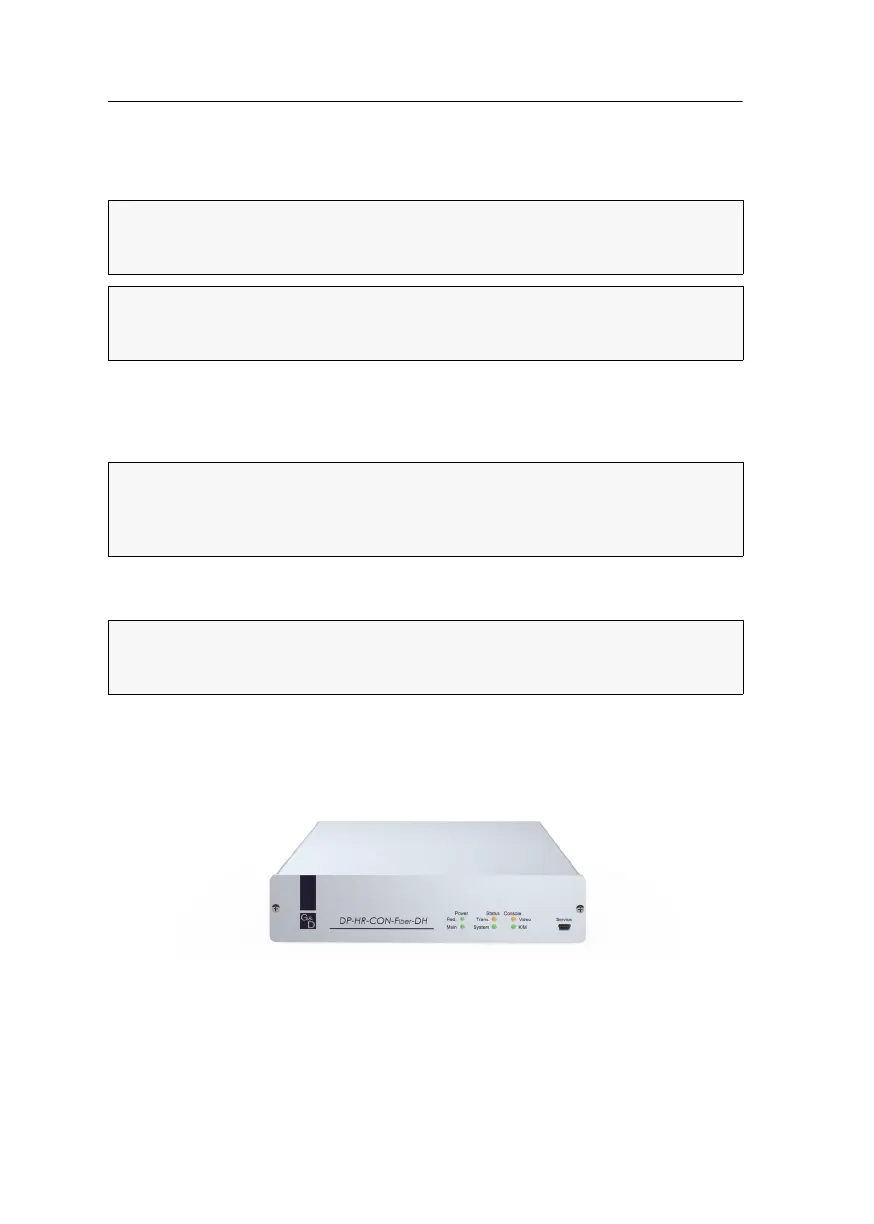
Console module »DP-HR-CON-Fiber-DH«
159 · Computer and console modules (DP-HR)
Console module
»DP-HR-CON-Fiber-DH«
With DP-HR-CON-Fiber-DH console modules, you can connect up to two DisplayPort
monitors (dual-monitor), keyboard, mouse, microphone and speakers to a digital
matrix switch of the ControlCenter-Compact or ControlCenter-Digital by using one cable
only.
At the installed console, matrix switch users can access a computer module to operate
the connected computer.
When using the console to access a computer module connected to a dual-head
computer, the monitors display the separate images of the graphics outputs. When
accessing a computer module with one graphics input only, only the first monitor
displays an image.
NOTE:
This console module can be connected to a compatible fiber port of
ControlCenter-Compact matrix switches or ControlCenter-Digital matrix switches
(requires
CCD-I/O 16-Card-Fiber).
IMPORTANT:
Both, the console module and the fiber ports are available as single-
mode variants or as multimode variants. Make sure that the port at the console module,
the fiber port and the optical fibers are compatible with each other.
ADVICE:
If you use the first video channel only, you are able to display resolutions
up to 4096
× 2160 @ 30 Hz (4K). Using both video channels allows resolutions up
to 1920
× 1200 @ 60 Hz. Detailed information about the supported resolutions is
given in the chapter
Technical data on page 166.
NOTE:
Accessing a computer module occupies the entire back channel (including
Micro In and USB 2.0 signal). Hence, these signals are not provided to the console
modules that access the channel at a later point (multi user operation).


 To Next Page
 Loading...


