18
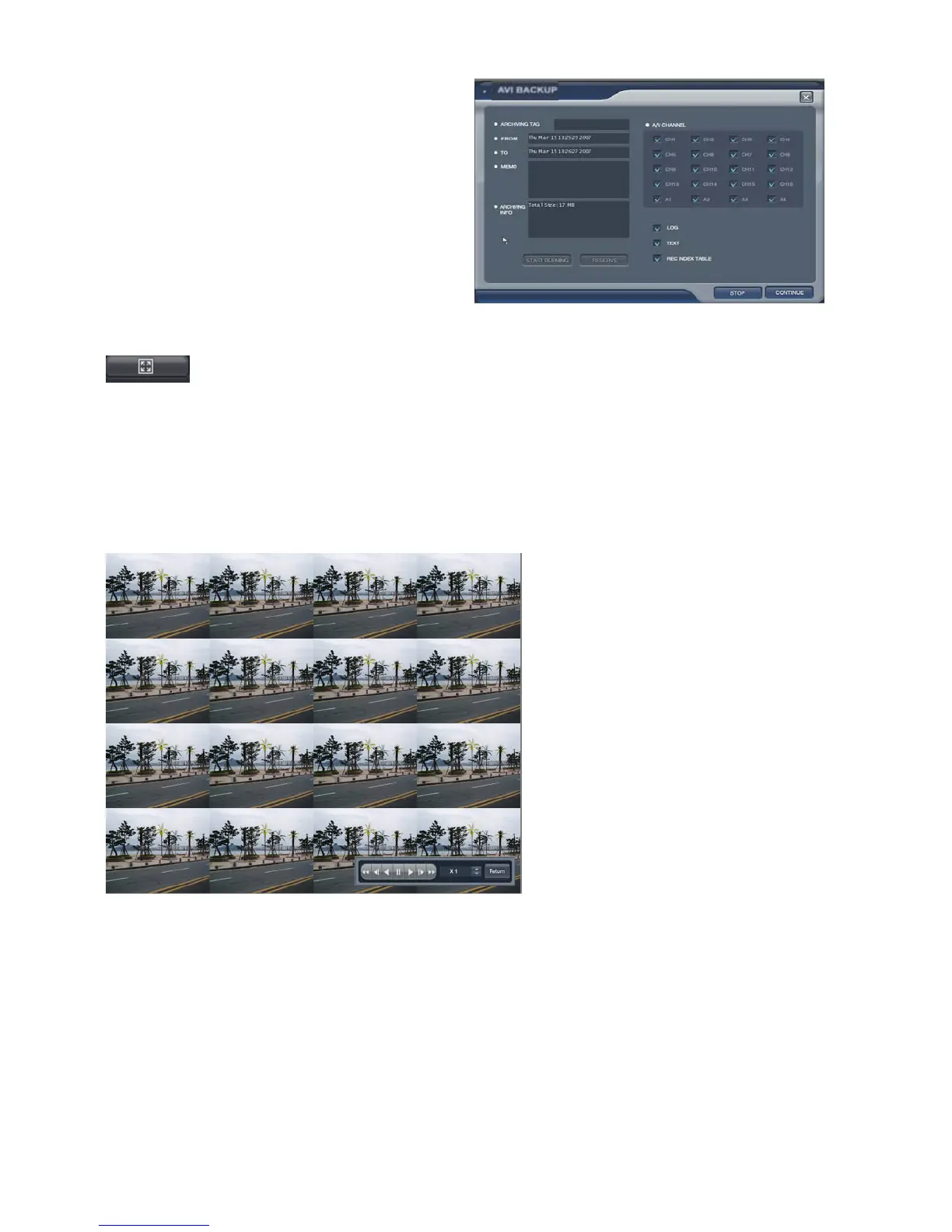
Backup data information would be shown in this
screen.
How to burn the backup and reserve is same with
how to save the snapshot.
(The operator can check the saved image
from backup Date Management of backup menu).
: Click the button for full screen from (D). Then below screen would be shown.
For returning, drag the mouse to the bottom of screen.
Then below icon would appear with return icon.
Click the “RETURN” button to return to the original screen.
The operator can control the playback speed with
below icon from full screen playback mode.



 To Next Page