19
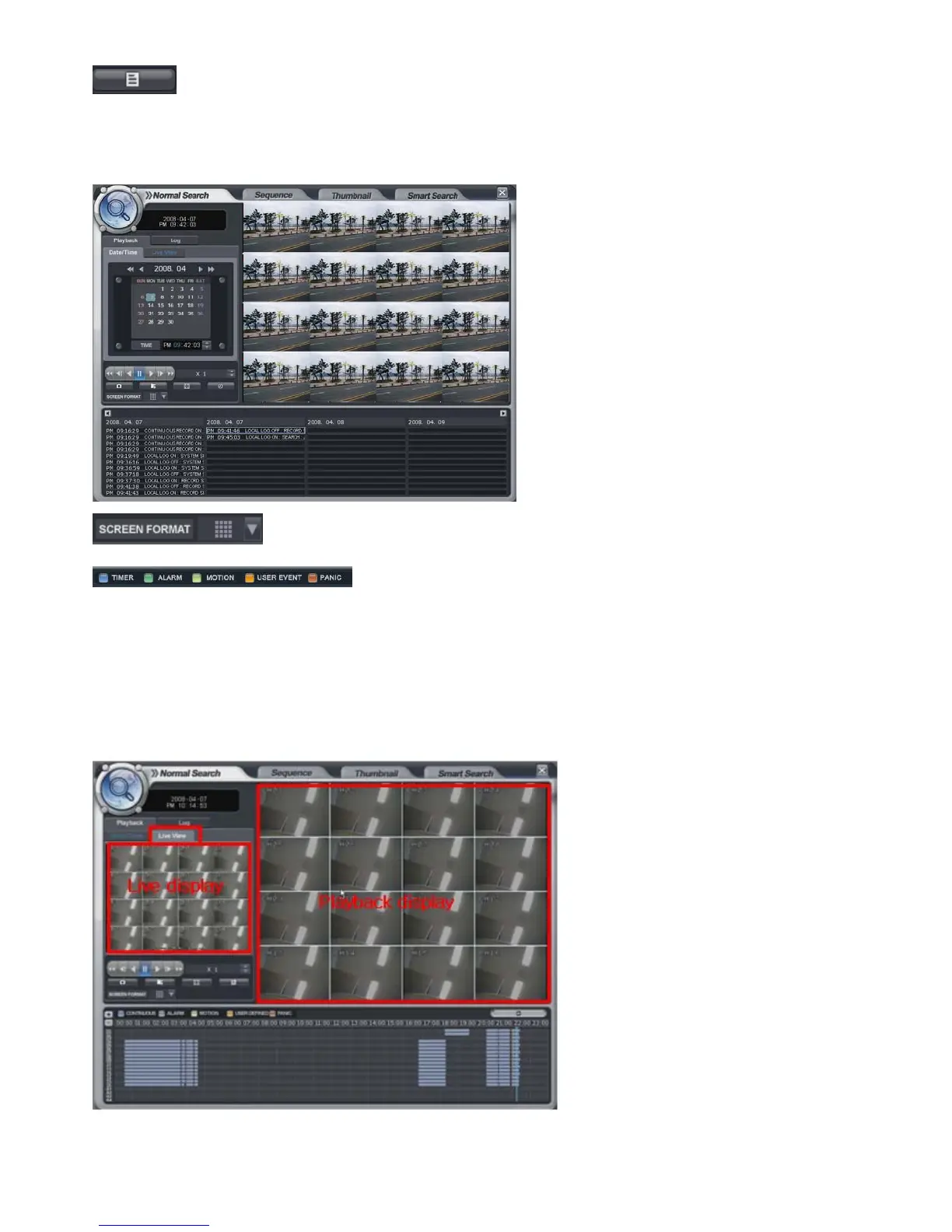
: Click the button for viewing the log from (D).
Then below screen would be shown. Current log would appear.
For returning, click the same button again.
: Click the button for changing the playback display from (D).
The operator can select the playback display mode.
The display color for the recorded data at Timeline from (E), appears differently for each type like above
• Playback -> Live View
Select the “Live View”.
Then it shows current live display instead of the calendar.
The function with below icon work equally.
You can see both the live display and playback display at the same time.



 To Next Page