34
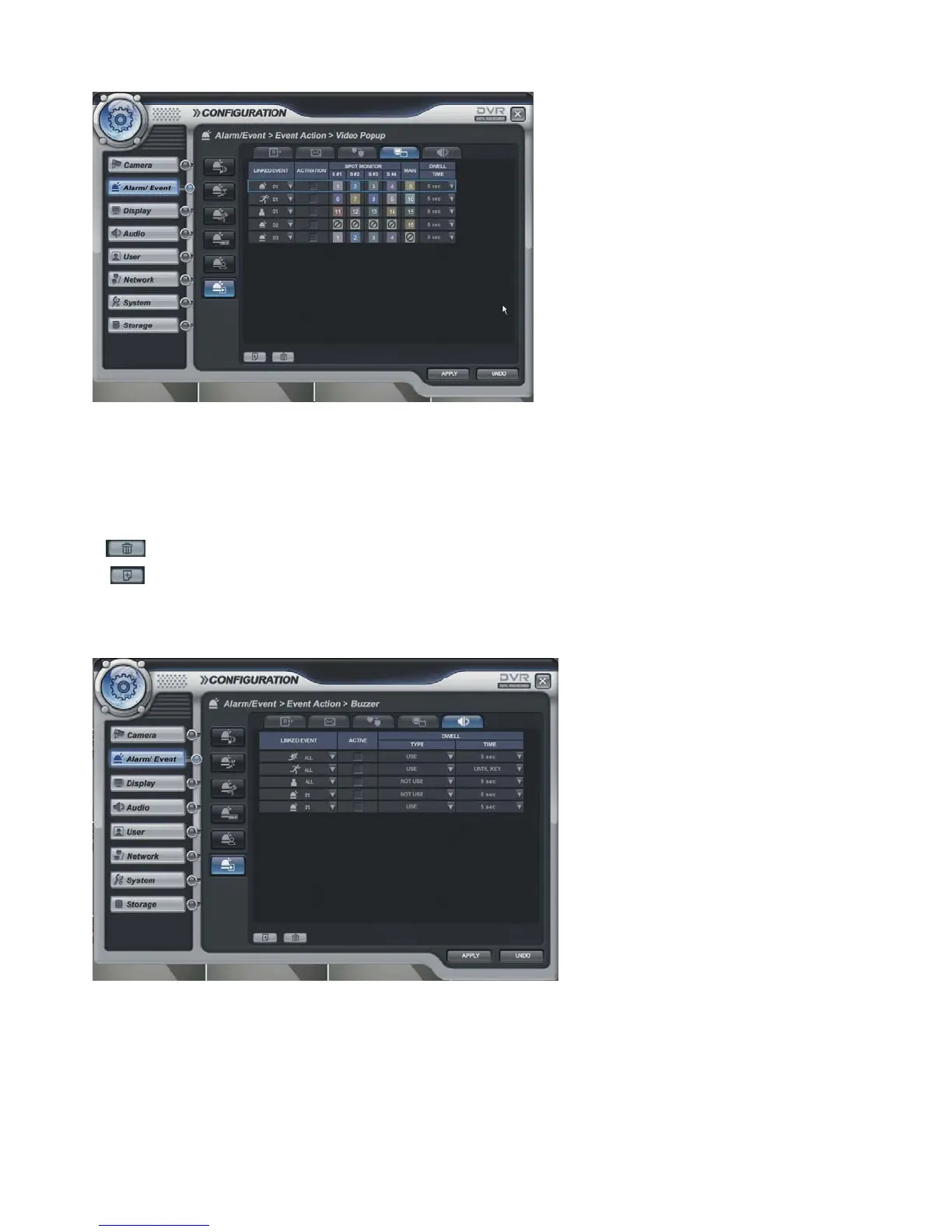
Alarm/Event -> Event Action -> Video Popup
- When the selected event happens, the screen pop-up at the selected monitor.
- After selecting the event (Alarm, motion, User Defined Event) for pop-up, tick on/off activation.
- Assign the channel which requires being pop-up on each Monitor.
After selecting the channel to assign, click the mouse right button. Then channel will be pop-up.
- Assign the pop-up dwell time.
ADD button: Please add the item that requires to be pop-up.
DELETE button: Delete the item that had been already registered.
Alarm/Event -> Event Action -> Buzzer
- To selected event, select buzzer on/off.
- After selecting the event (Alarm, motion, Video loss, User Defined Event) for buzzer, tick on/off
activation.
- Dwell Type: Use/ Not use
Time: 5~300 second and until desired time by pressing any key.



 To Next Page