36
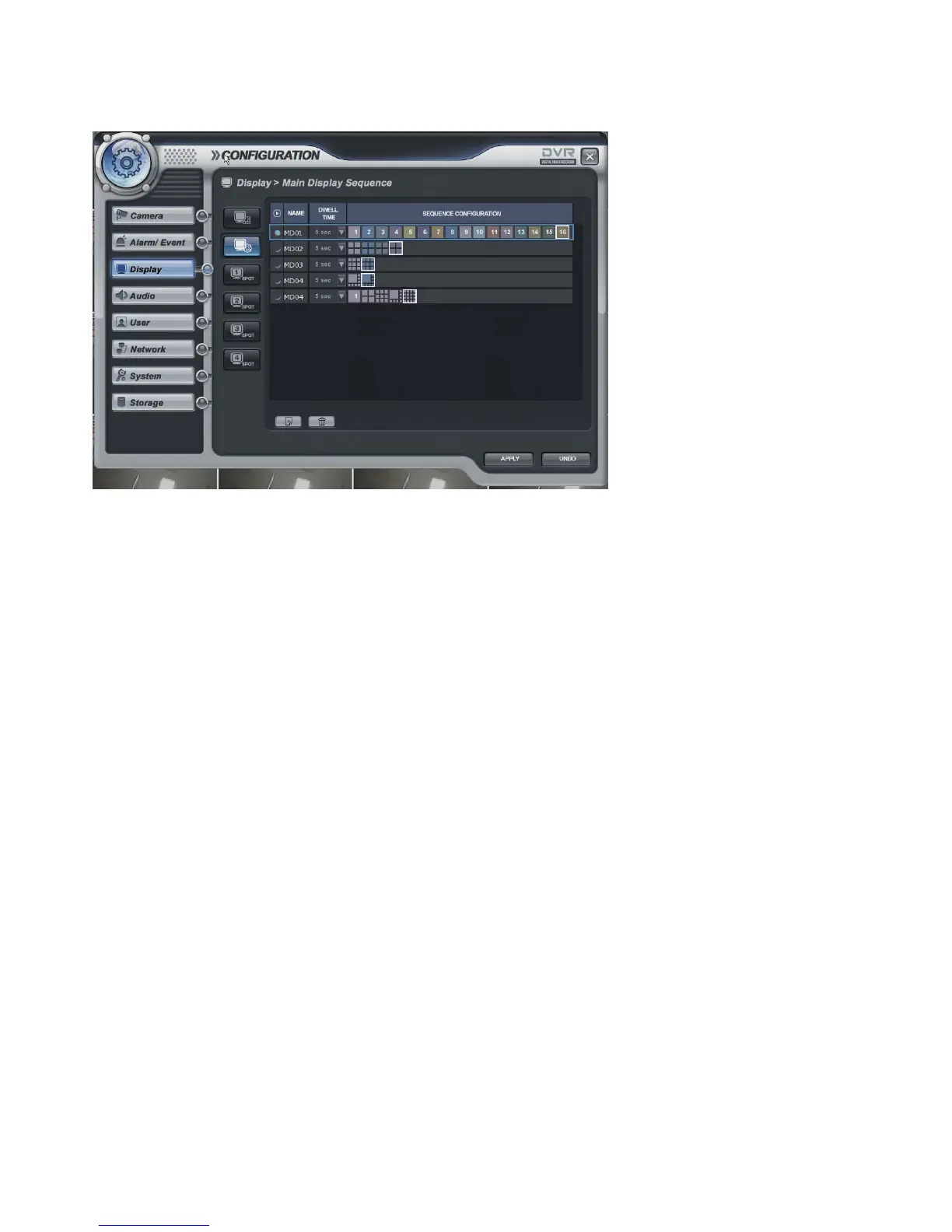
Display -> Main Display Sequence
• Main Display Sequence: To start the sequence, the operator selects and makeup the working sequence type.
- Press the ADD button.
- Select the new list (It shows in Blue Square)
- Input the name with virtual keyboard and select the dwell time (5-100 sec).
- Click mouse right button.
- Then it show screen template list with each division.
- Select the screen templates that require in sequence.
- The operator can add Max.16EA screen template by same method.
- Press the DELETE button after selecting the list then the list would be deleted.
- To add on the current setup, it can be changed after selecting each template of current sequence.
* The max. list Number is 16EA.
The screen template which could be selected and it is related with screen template setup of front page.
Display -> Spot#1-4 Display Sequence



 To Next Page