68
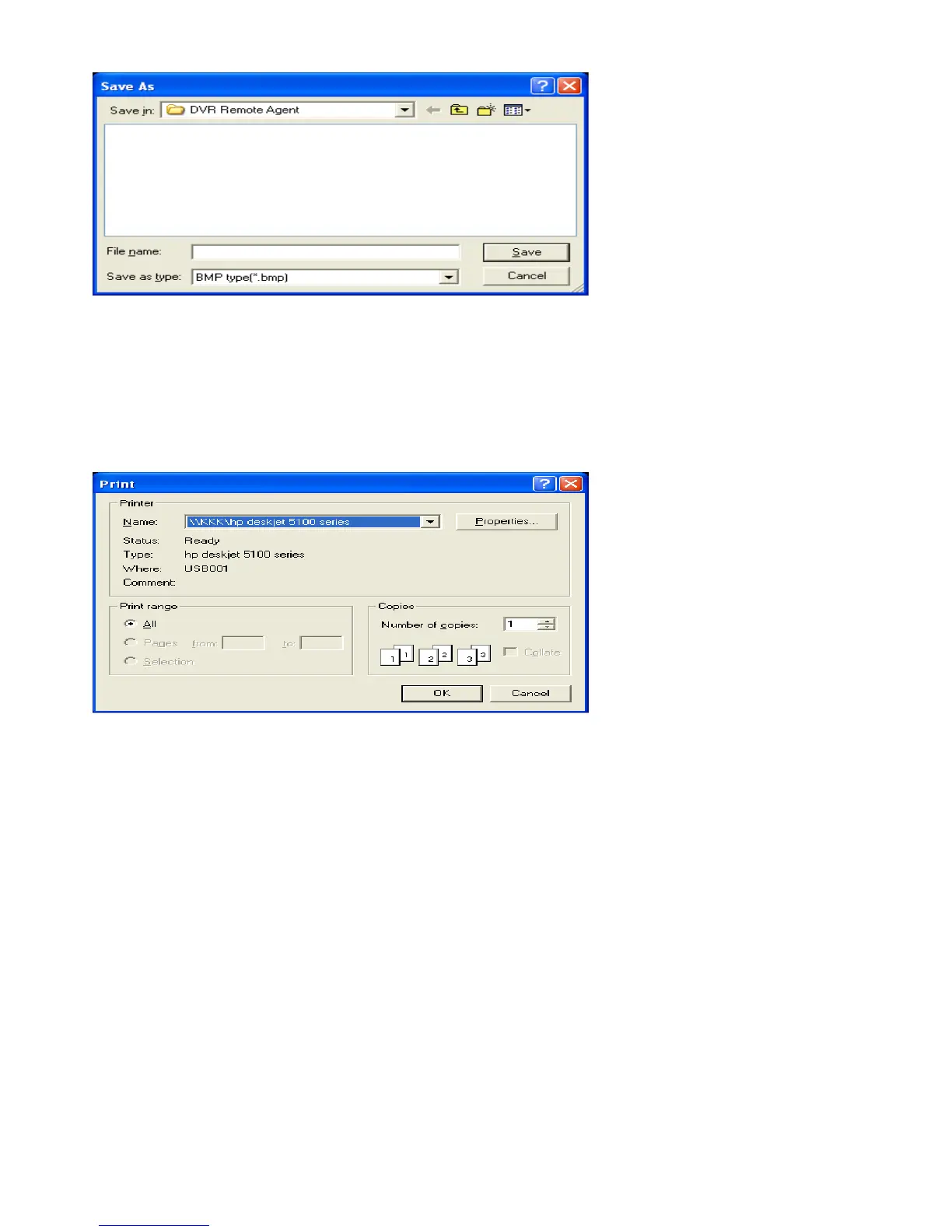
• Click ‘Save Image’ Icon During Playing Video.
• Designate File name, File Type (JPG, BMP), and Location and press Save.
• Conversion and Save Image from Remote Viewer.
- Print Image – Present Image Capture and Print Out Image
• During Play Video, click ‘Print Image’ .
• After selecting Printer, start Image Printing.
• Print out Remote Viewer Image.
- Log Viewer – Find Video from the DVR Event Log.



 To Next Page