Page 74
490X Engineer’s Reference Guide
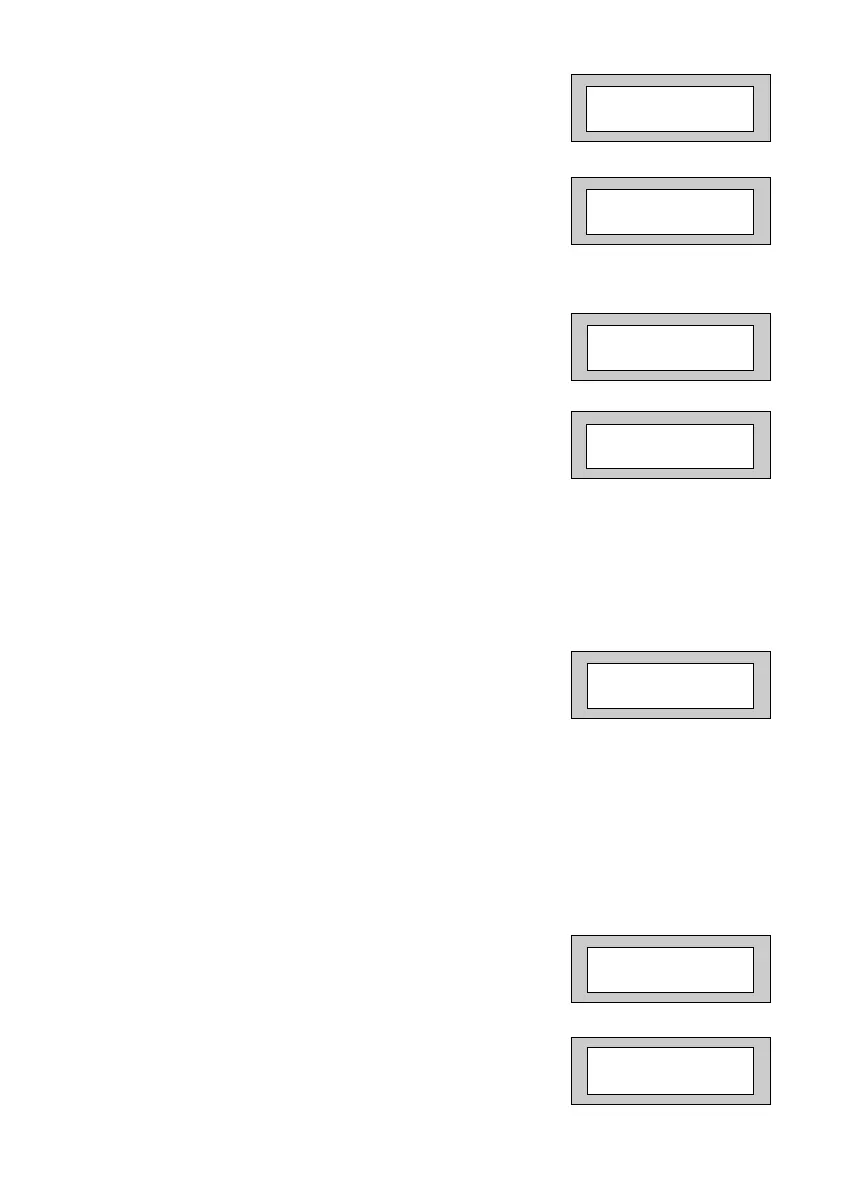
10) Press No twice. The display will show:-
11) Enter the number of weeks you require to the
next Service then press Yes.
The display will show:-
Note: The system will start to warn the end
user that the Service is due two weeks
before the time expires.
12) Press No. The display will show:-
13) Enter the Telephone Number you wish your
customer to dial for service followed by Yes.
The display will show:-
With Lock - Out turned On the system will
Lock the users out when the Service Time
expires.
With Lock - Out turned Off the system will
continue to warn of Service until the Service
Timer is reset.
14) Press No until the required setting is displayed
then press Yes. The display will show:-
With Engineer Mode programmed as Constant
the panel will remain in Engineer Mode until
the Engineer exits.
With Engineer Mode programmed as timed the
panel will jump out of Engineer Mode after 1 hour
if all the Tampers are clear. This prevents the
Engineer accidentally leaving the panel in
Engineer Mode.
15) Press No until the required setting is displayed
then press Yes. The display will show:-
16) This concludes the Program Service
Press 0 (zero) twice to return to:-
Service Tel. No.
_ _ _ _ _ _ _ _ _ _ _ _ _
! ! ! LOCK - OUT ! ! !
= On
Engineer Mode
= Constant
Program . . . . _ _ _
Service / PTM ?
01 Jan 00: 00: 01
Next Service due
in _ _ Weeks
Service Tel. No.
is Un-Programmed
490X 1.qxd 11/07/2006 12:32 Page 74



 To Next Page