Page 70
490X Engineer’s Reference Guide
Programming PGM1 / Custom
PGM1 is located on the control panel PCB close to the Bell terminals.
Up to 8 custom outputs may be programmed on to PGM 1 to 3. A custom output may
be used so that the output can follow a zone or a user code.
1) Enter into Engineer Mode
To do this follow Steps 1 to 4 on page 18
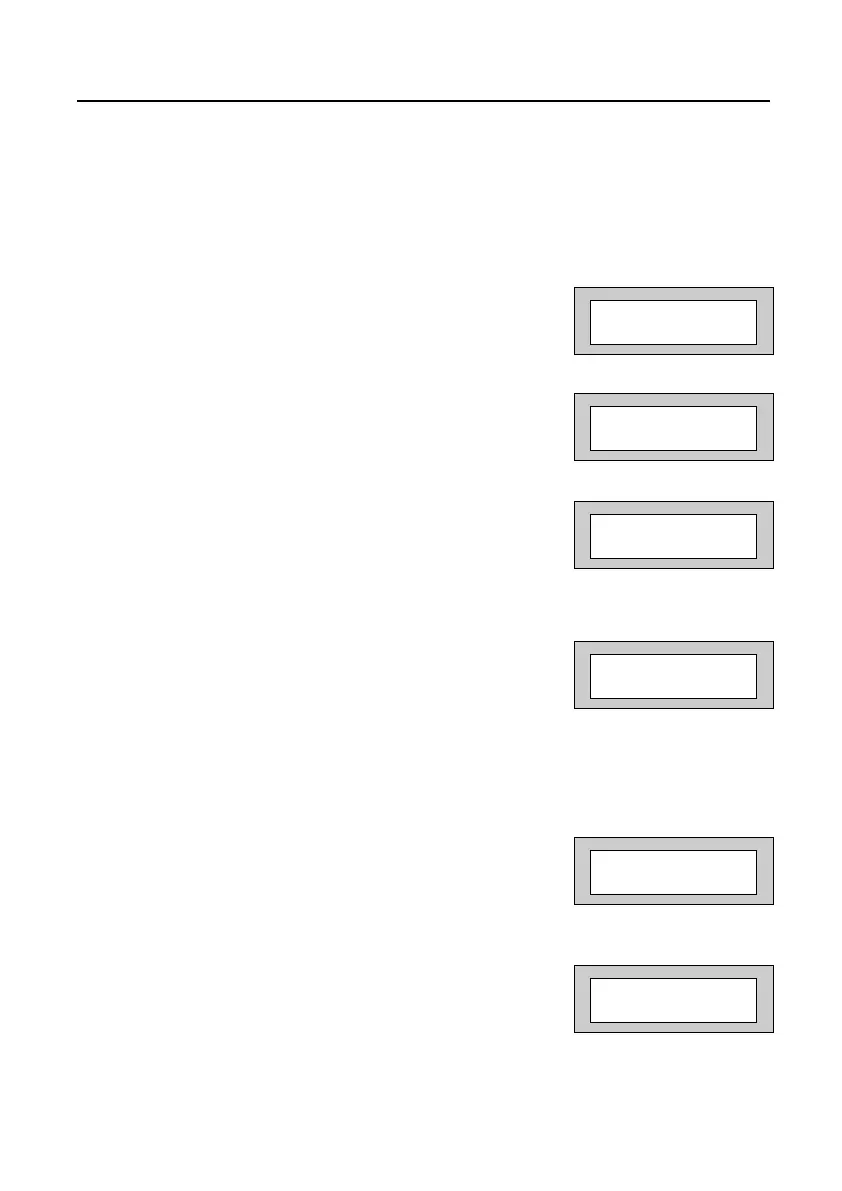
With the display showing:-
2) Press No eleven times. The display will show:-
3) Press Yes. The display will show:-
The options available for PGM1 are shown on page 62.
4) Press No until the required setting is displayed
then press Yes. The display will show:-
With the PGM2 programmed as Bell the output will operate with the Bell when this is
set as +V. With this set as -V the output will be inverted e.g On, turning Off with the
Bell.
5) Press No. until the required setting is displayed
then press Yes. The display will show:-
6) Press No to change the Cus 1 to Zone, Code or
Group as required to follow. Press Yes.
The display will show:-
Program . . . . _ _ _
Zones ?
Program . . . . _ _ _
PGM1 / Custom ?
PGM1 O/P
= Pulse Off =+V
PGM1 O/P
= Pulse Off >+V
Cus 1 = Zone #=000
=Day = Fol+ t=00
Cus 1 = Zone #>000
=Day = Fol+ t=00
490X 1.qxd 11/07/2006 12:32 Page 70



 To Next Page