nüvi 2200/2300/2400 Series Owner’s Manual 7
Getting Started
Adjusting the Screen
Brightness
1. Touch Tools > Settings > Display
> Brightness.
2. Touch and move the scroll bar to
adjust screen brightness.
Using the On-Screen Buttons
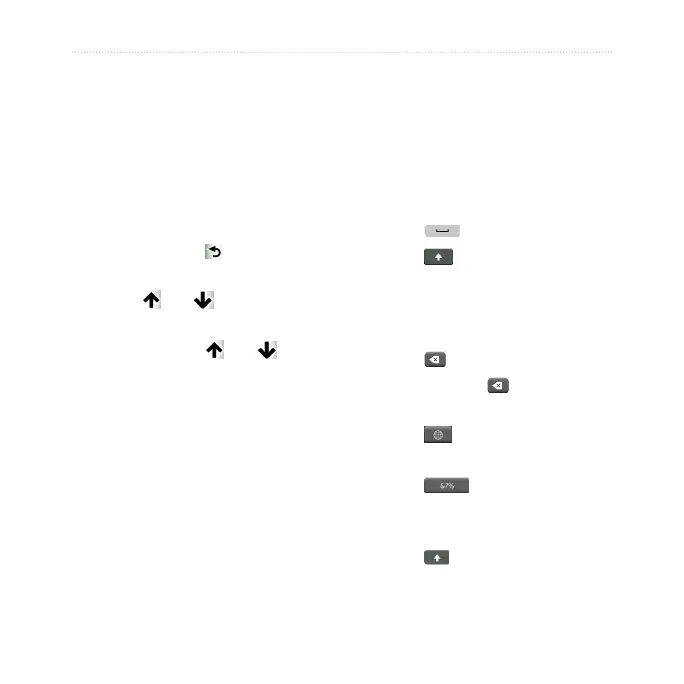
• Touch and hold to quickly
return to the main menu.
• Touch and to see more
choices.
• Touch and hold and to
scroll faster.
Using the On-Screen
Keyboard
See “System Settings” to change the
keyboard layout (page 49).
• Touch a character on the keyboard
to enter a letter or number.
• Touch to add a space.
• Touch to change the
character case.
• Touch between two characters to
select a letter.
• Touch to delete a character.
• Touch and hold to erase the
entire entry.
• Touch to select the keyboard
language mode.
• Touch to enter special
characters, such as punctuation
marks.
• Touch to change character
capitalization.


 To Next Page