28 nüvi 2200/2300/2400 Series Owner’s Manual
Map Pages
Using myTrends
The myTrends
™
feature senses
when you are driving to a common
destination and displays the
destination and estimated time of
travel in the navigation bar on the
map.
1. From the main menu, touch Tools
> Settings > Navigation.
2. Touch Automobile > nüRoute
>
myTrends > Enabled.
3. Save a common destination, like
your home or workplace, as a
Favorite (page 21).
4. With the device on, drive to the
Favorite several times.
5. When myTrends information
appears in the navigation bar,
touch it to view route information.
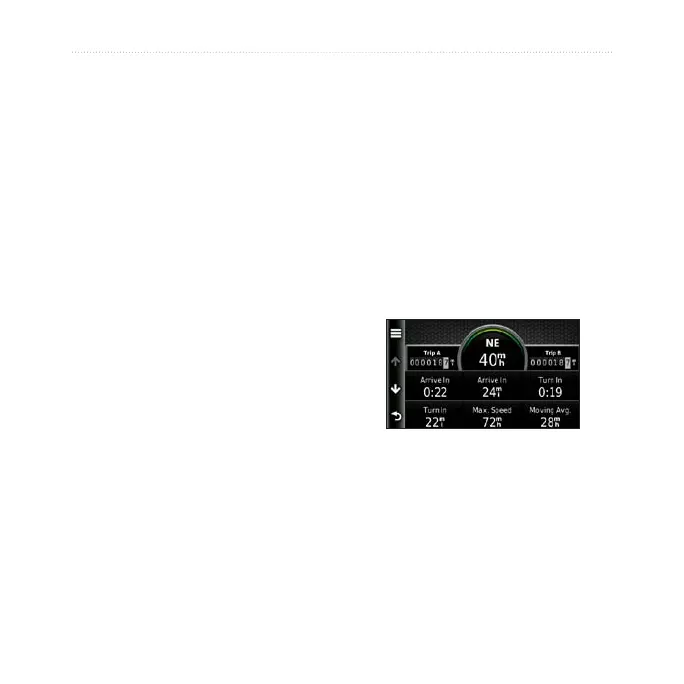
Viewing Trip Information
The trip information page displays
your present speed and provides
statistics about your trip.
TIP: If you make frequent stops,
leave the device turned on so it can
accurately measure elapsed time
during the trip.
From the map, touch the Speed
eld.


 To Next Page