nüvi 2200/2300/2400 Series Owner’s Manual 13
Finding Locations
NOTE: You must have
cityXplorer
™
maps loaded to
navigate using public transit
(page 31).
7. If necessary, select a route (page
20).
Searching Within a Category
To narrow your search results, you
can search within some categories.
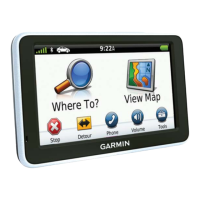
1. From the main menu, touch
Where To? > Points of Interest.
2. Select a category.
3. If necessary, select a subcategory.
4. Touch .
5. Enter all or part of the name.
6. Touch Done.
Adding a Stop While
Navigating a Route
Before you can add a stop, you must
be navigating a route in Automobile
mode.
1. While navigating a route, select
to return to the main menu.
2. Touch Where To?.
3. Search for the location (page 12).
4. Touch Go!.
5. Select an option:
• Touch Add to Current
Route.
• Touch Start New Route.


 To Next Page