nüvi 2200/2300/2400 Series Owner’s Manual 53
Customizing the Device
Editing a Custom Avoidance
1. From the main menu, touch
Tools > Settings > Navigation
> Automobile > nüRoute >
Custom Avoidances.
2. Select a custom avoidance.
3. Touch , then select an option.
• Touch Rename.
• Touch Delete.
Disabling a Custom
Avoidance
If you disable a custom avoidance,
the device will calculate routes using
that area or road.
1. From the main menu, touch
Tools > Settings > Navigation
> Automobile > nüRoute >
Custom Avoidances.
2. Select a custom avoidance.
3. Touch > Disable.
Using Advanced Detours
Use this feature to detour around a
specic section of your trip while you
navigate.
1. From the main menu, touch
Tools > Settings > Navigation
> Automobile > nüRoute >
Advanced Detours > Enabled.
2. Select a destination, and touch
Go! (page 12).
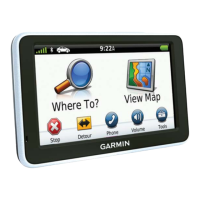
3. From the main menu, touch
Detour.
4. Select a detour option:
• Next 1/2 mile on Route.
• Next 2 miles on Route.
• Next 5 miles on Route.
• Detour by Road(s) on Route.
5. If necessary, select a road to
detour around.


 To Next Page