6 GDL 30/30A Owner’s Manual
PRESET WEATHER DISPLAYS
Selecting a preset weather display
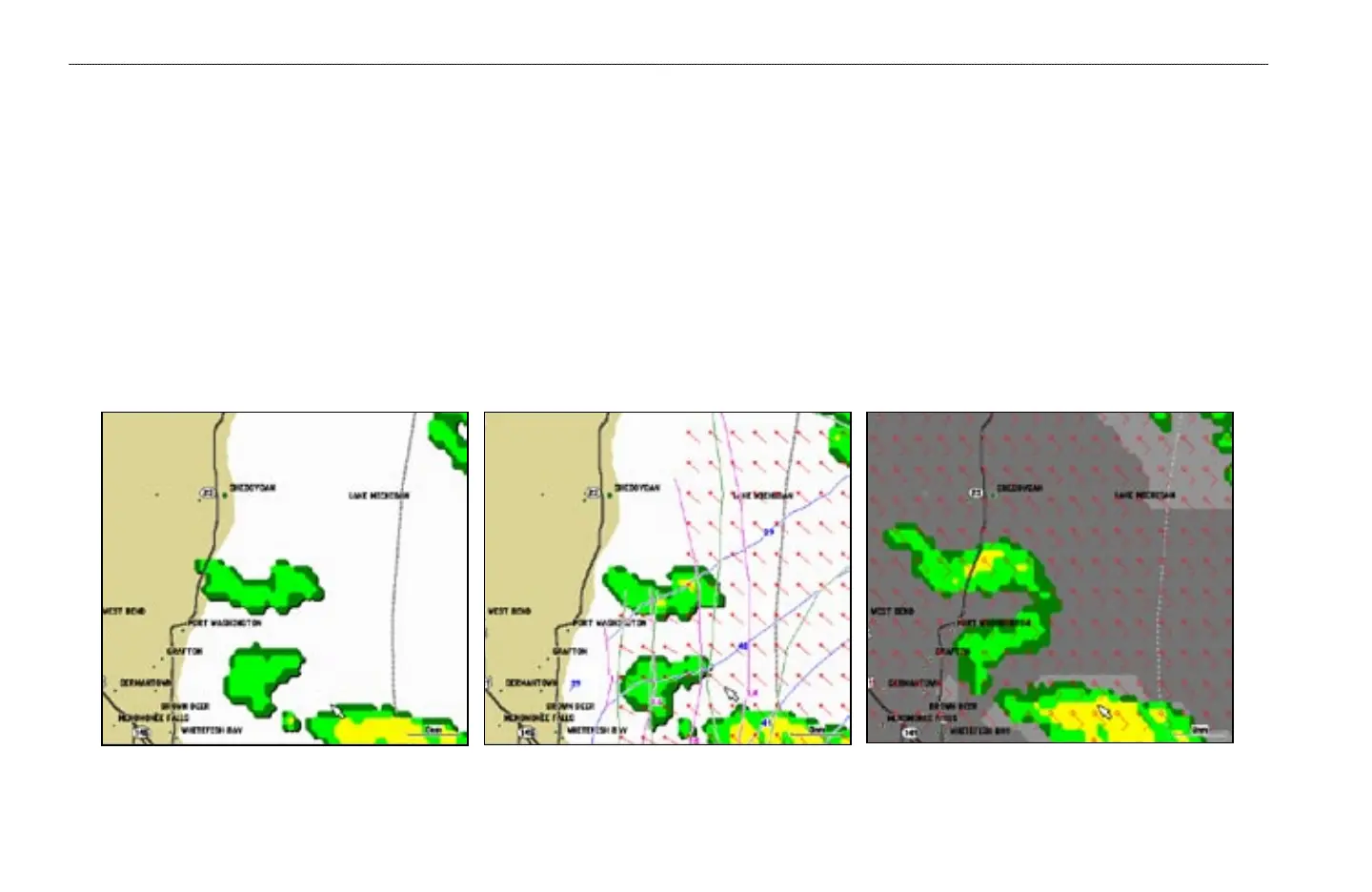
There are three preset weather displays, General, Sea State, and Storms. The name of the currently displayed preset is shown in the lower left corner of the screen.
Using presets allows different types of weather information to be quickly displayed.
To
select a preset weather display:
1. Press the Wthr Options soft key.
2. Press the
Next Preset soft key to cycle through the three presets.
General Sea State Storms
GETTING STARTED > PRESET WEATHER DISPLAYS


 To Next Page