GDL 30/30A Owner’s Manual 7
Customizing the Preset Weather Displays
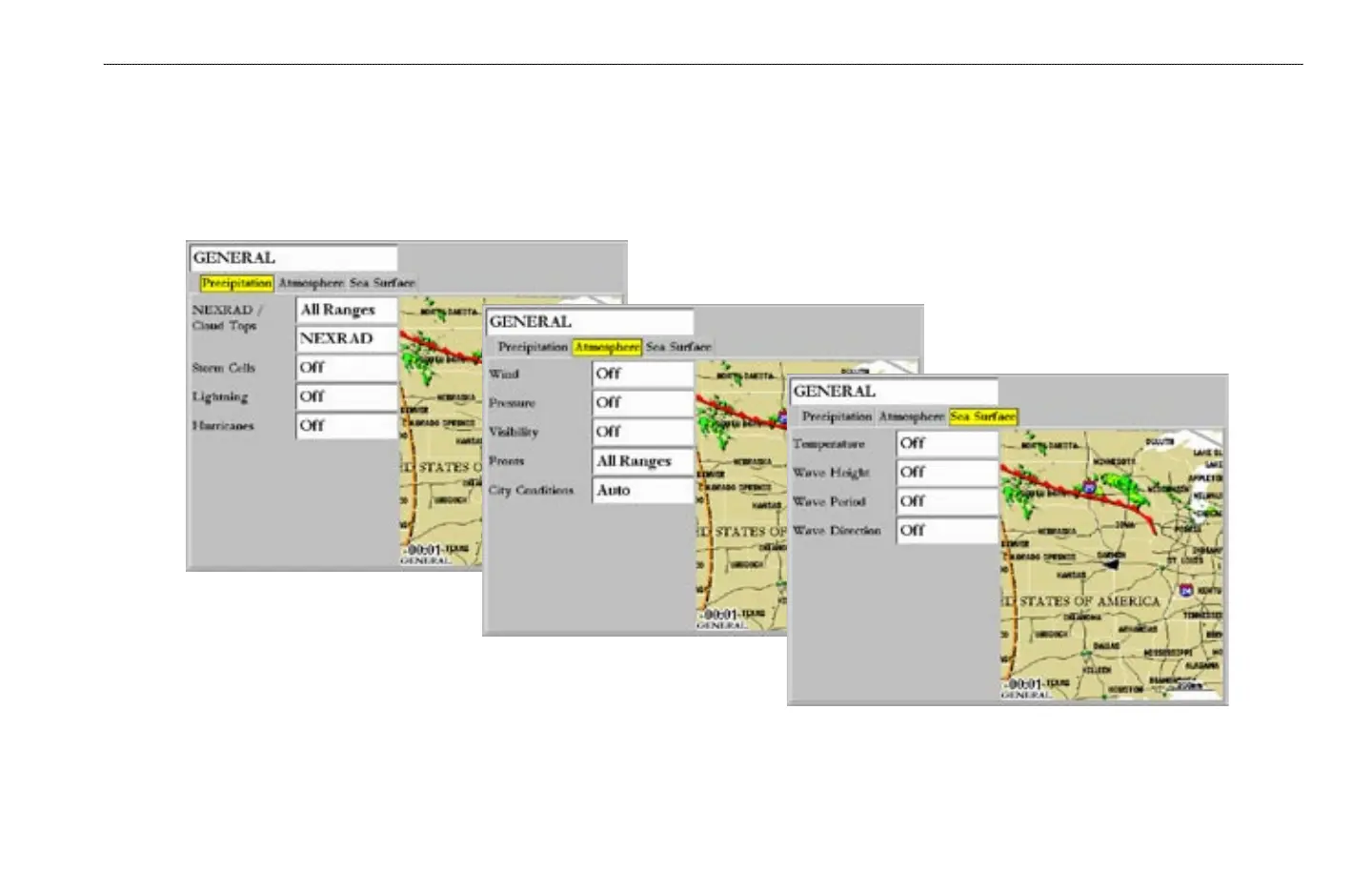
The preset weather displays can be customized. Each preset has three subcategories: Precipitation, Atmosphere, and Sea Surface. Each category contains display
settings for that topic.The name of the preset can be changed and any of the weather features can be selected for display. For detailed information on customizing the
preset weather displays, please see the chartplotter’s Owner’s Manual.
Precipitation
Atmosphere
Sea Surface
GETTING STARTED > CUSTOMIZING THE PRESET WEATHER DISPLAYS


 To Next Page