24 GDL 30/30A Owner’s Manual
Setup
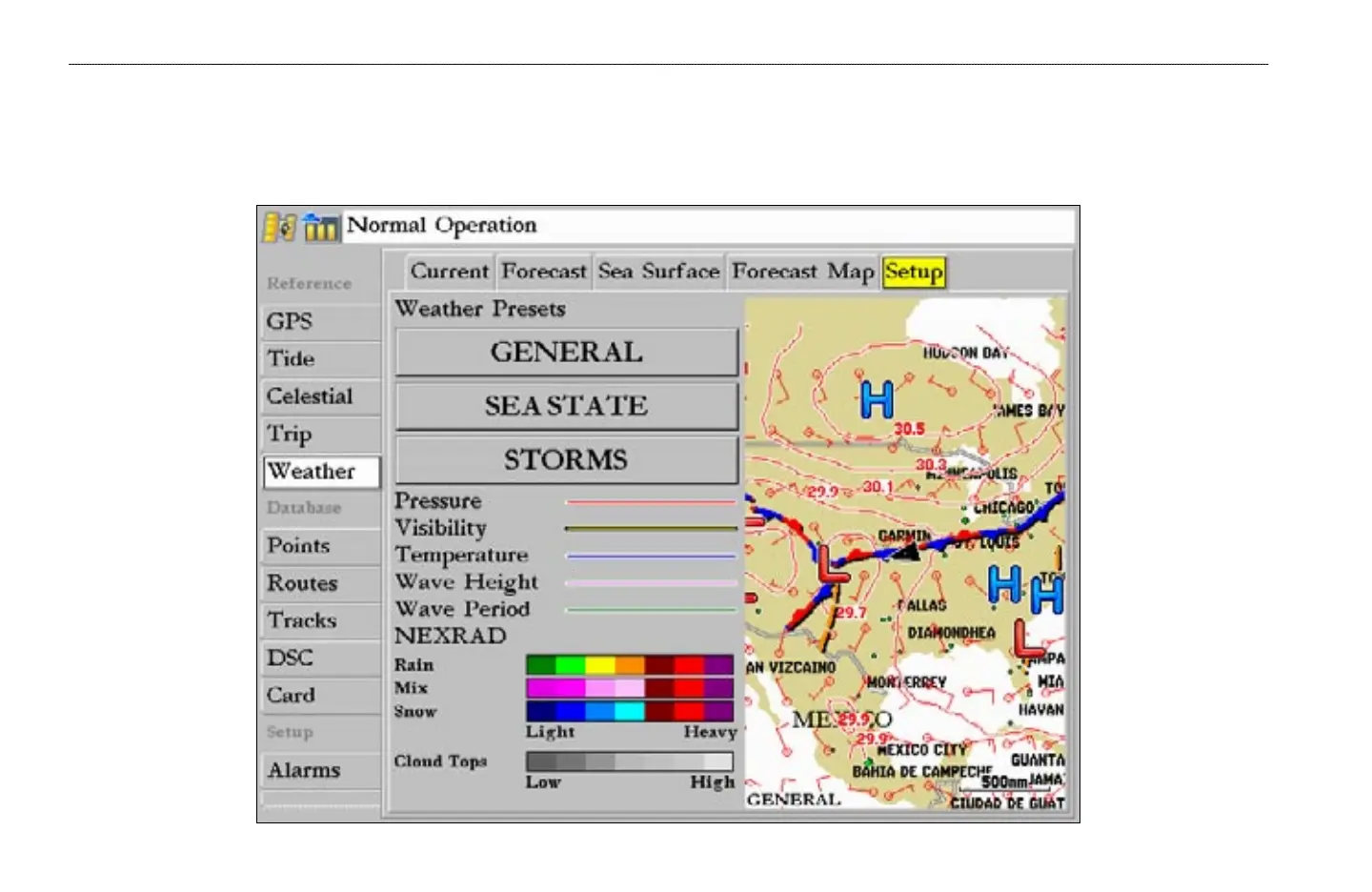
The Setup sub tab provides access to the three preset weather displays: General, Sea State, and Storms. The preset weather displays can be customized from this tab.
The Setup tab contains a map that displays any changes that are made. Legends for all weather conditions are also shown. For detailed information on customizing the
preset weather displays, see the chartplotter’s Owner’s Manual.
MAIN MENU > WEATHER TAB—SETUP


 To Next Page