14 GDL 30/30A Owner’s Manual
Pressure
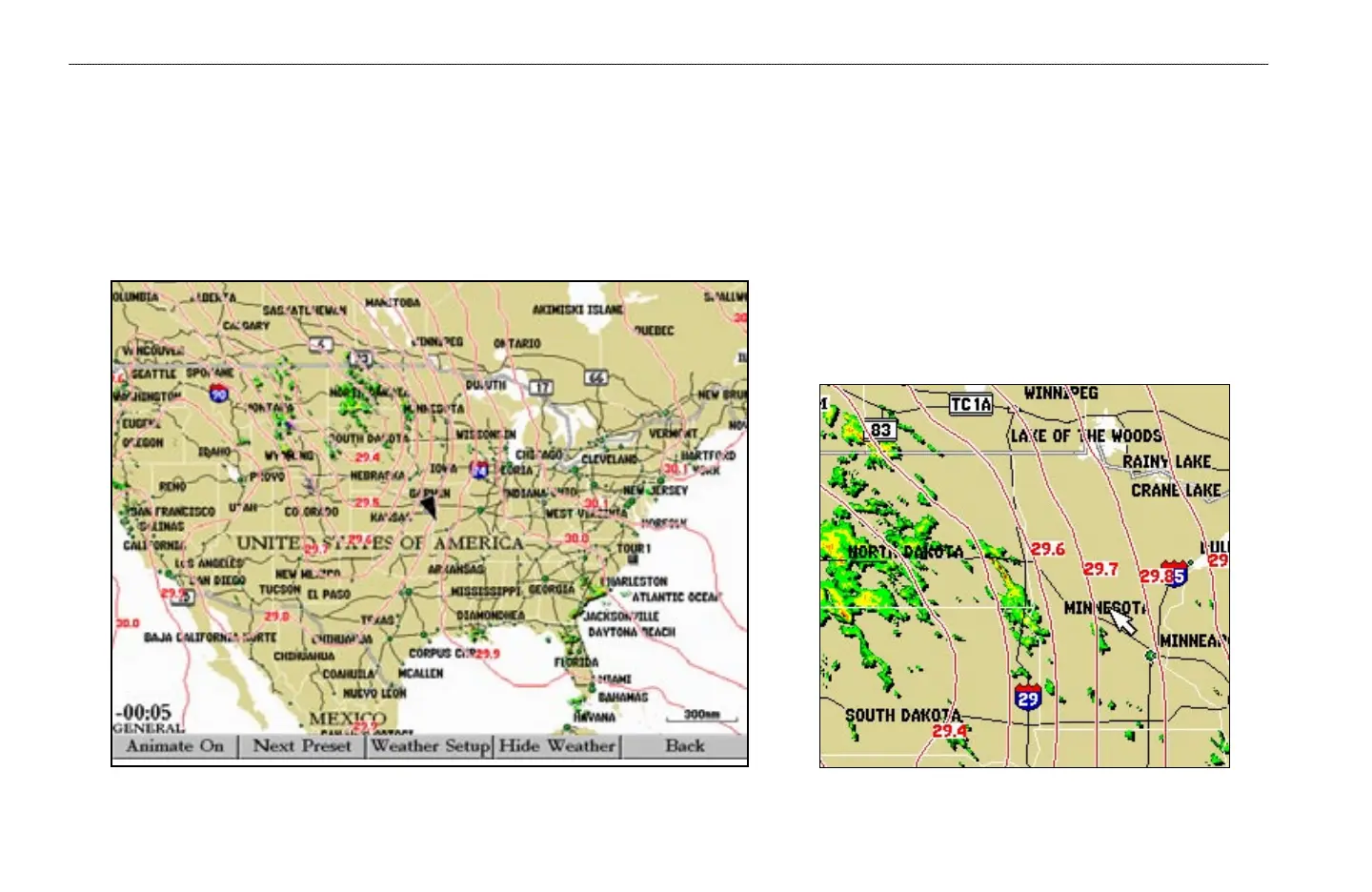
This feature displays pressure isobars and pressure centers on the chartplotter’s map. The isobars connect points of equal pressure. Pressure readings can help determine
weather and wind conditions in an area. High pressure areas are generally associated with fair weather. Low pressure areas are generally associated with clouds and the
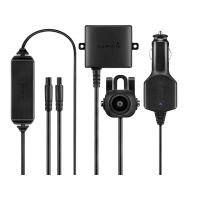
chance of precipitation. Isobars that are packed closely together show a strong pressure gradient. Strong pressure gradients are associated with areas of stronger winds.
Pressure units can be displayed in Millibars (mb), Inches of Mercury (in), and Hectopascals (hPa). See the chartplotter’s Owner’s Manual for more information.
Strong Pressure Gradient
Pressure Isobars
WEATHER FEATURES > ATMOSPHERE—PRESSURE


 To Next Page