10 GDL 30/30A Owner’s Manual
Storm Cells
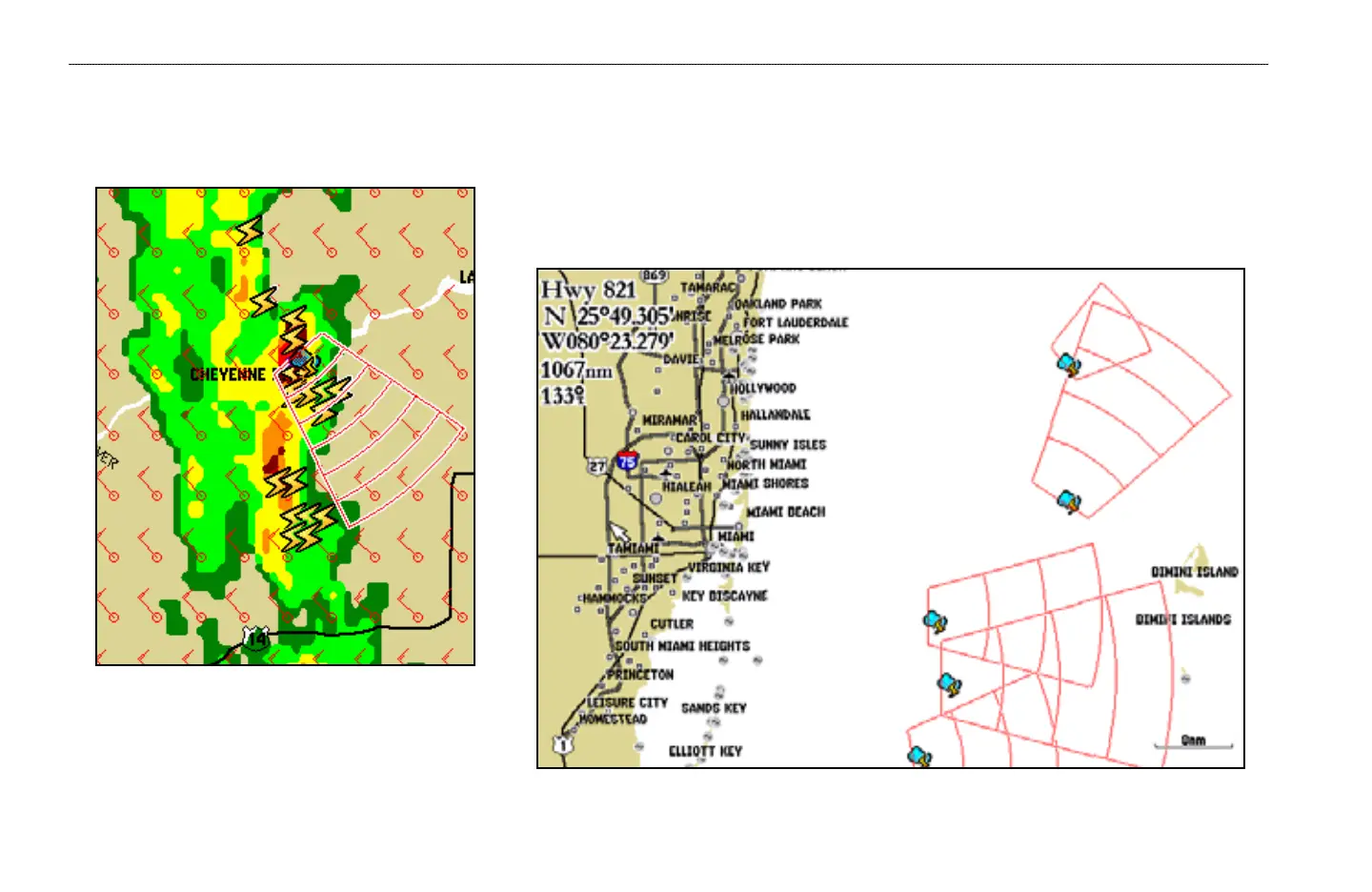
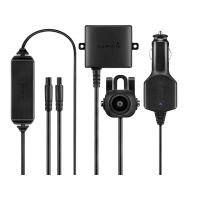
The Storm Cells feature displays storms as well as the storm’s projected path in the immediate future. It also shows the size of the storm cell. The direction of the red
cone indicates the projected path of the storm cell. The red bars that appear in the middle of the cone indicate where the storm will be in the future. Each bar represents
15 minutes.
The red bars that appear in the middle of the cone in this
Cheyenne, Wyoming storm indicate where the storm will
be for the next 1 1/2 hours.
WEATHER FEATURES > PRECIPITATION—STORM CELLS


 To Next Page