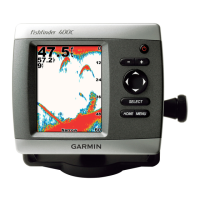
Fishnder 400C Owner’s Manual
BasIc operatIon
Understanding the Home Screen
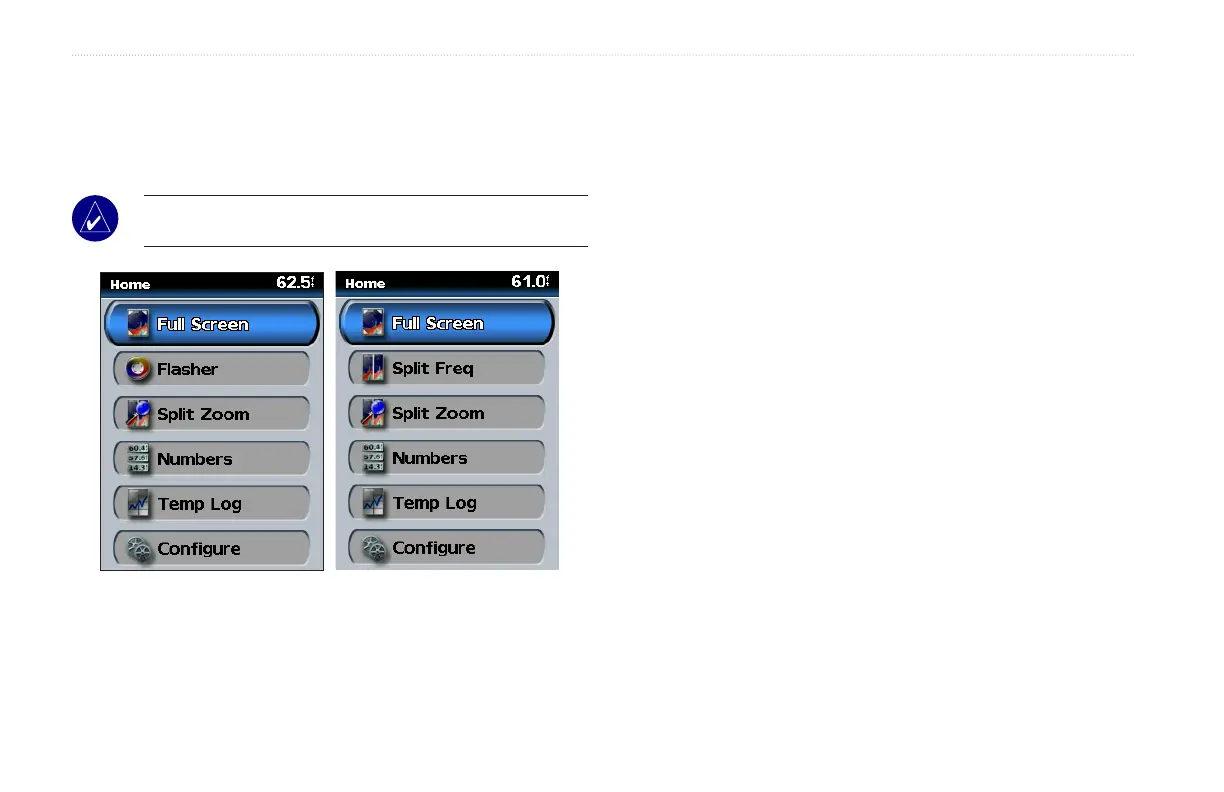
When you turn on your Fishnder 400C, the Home screen appears.
Press up or down on the ROCKER, and then press SELECT to
choose an option.
NOTE: Options on this screen vary based on the type of
transducer installed.
Home Screen
(Dual Frequency)
Home Screen
(Dual Beam)
Full Screen
Opensafull-screengraphofthetransducer’ssonarreadings
(page17).
Flasher (Dual Beam transducer only)
Opensaroundashertoindicatethetransducer’ssonar
readingsasanalternativetothelineargraph(page 18).
Split Freq (Dual Frequency transducer only)
Opensasplit-screenthatusesthefullcapabilityofthedual
frequencytransducer.A50kHzfrequencygraphappearsonthe
left;a200kHzfrequencygraphappearsontheright(page 18).
Split Zoom
Opensasplit-screenwiththenormalgraphontherightzoomed
toyourpreferredlevelontheleft(page17).
Numbers
Opensasetofdataeldstoshowinformationnumerically
(page19).
Temp Log
Showsacustomizablegraphofthewatertemperaturewhen
usingacompatibletransducerorsensor(page19).
Congure
Congureunitsettings(page20).












 To Next Page