Fishnder 400C Owner’s Manual i
IntroductIon
IntroductIon
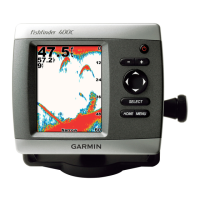
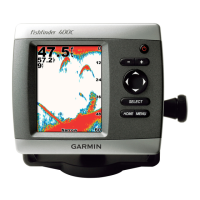
The Fishnder 400C is a full-featured, color sonar that offers a choice
of display styles, a dual beam or dual frequency option, and more.
Fishnder 400C Tips and Shortcuts
• Press HOME from any screen to return to the Home screen.
• Press
MENU from any of the main screens to access
advanced settings.
• Press and release the
POWER key to adjust the display
settings.
Quick Links
• Installing the Fishnder 400C: page 1
• Mounting the Fishnder 400C: page 2
• Installing the Transducer: page 4
• Basic Operation: page 15
• Customizing the Fishnder 400C: page 21
• Changing the System Settings: page 23
• Customizing the Transducer Settings: page 23
• Advanced Settings: page 25
• Alarms and Messages: page 28












 To Next Page