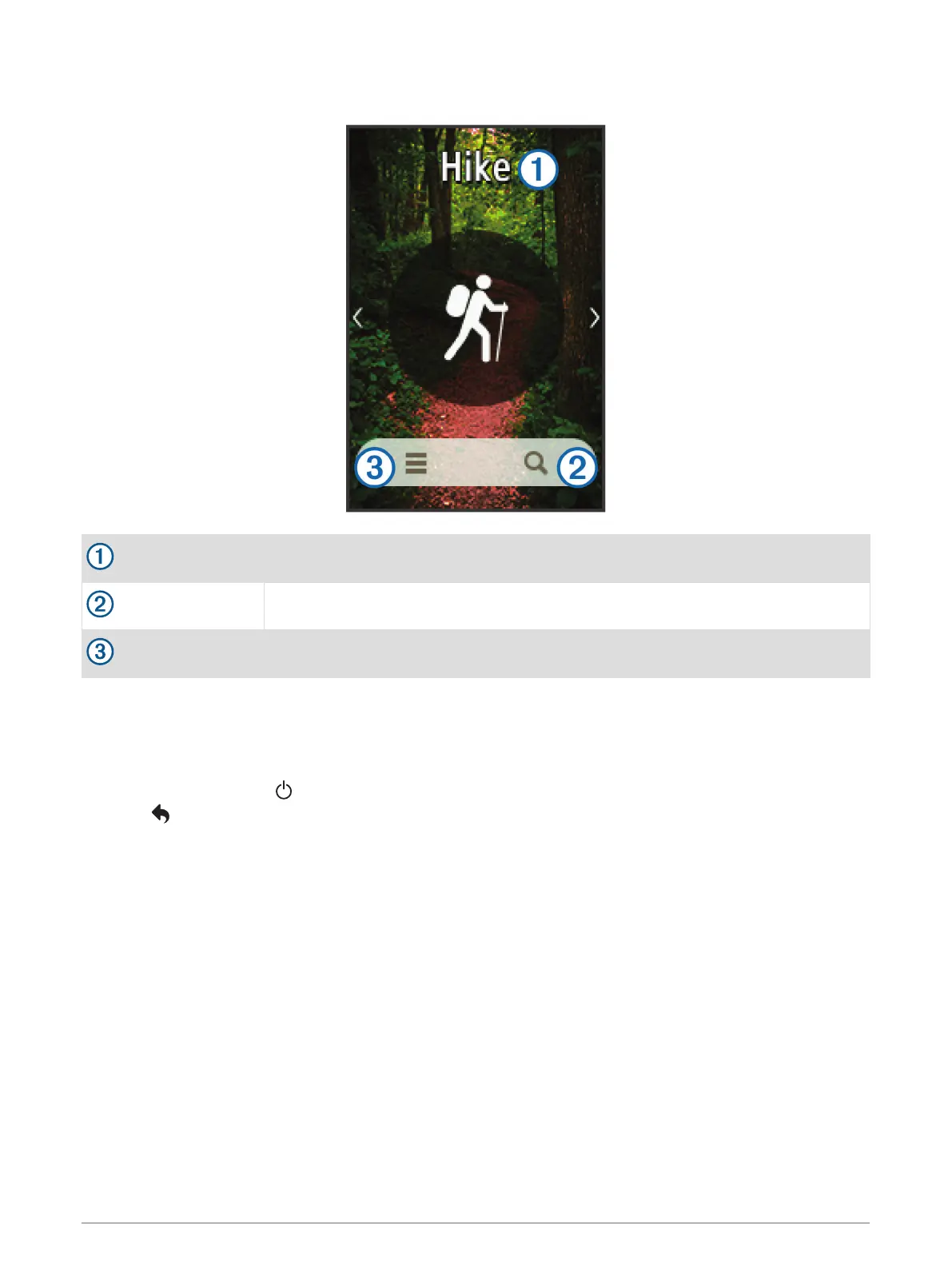
Home Screen
Activity
Where To?
Activity settings
Opening the App Drawer
The app drawer contains the applications used to operate the device, such as Track Manager, Waypoint
Manager, and geocaching.
1 From any screen, select .
2 Select to return to the home screen without launching an application (optional).
Tracks
A track is a recording of your path. The track log contains information about points along the recorded path,
including time, location, and elevation for each point.
Opening the App Drawer 3













 To Next Page