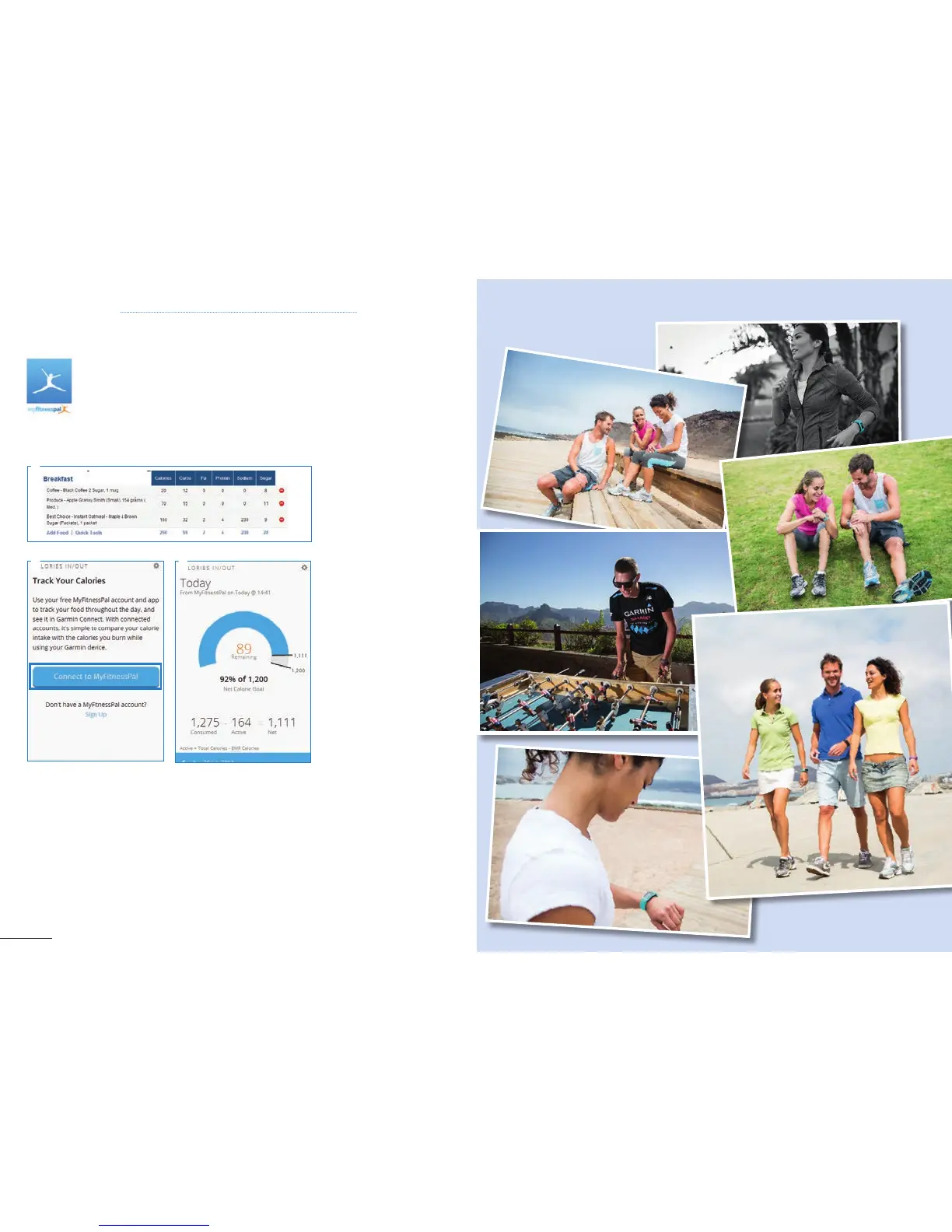
1. Visit
http://www.myfitnesspal.com
2. Create an account or sign in
with your current MyFitnessPal
account. Follow the instructions.
3. Create goals to lose,
maintain or gain weight on your
MyFitnessPal account. Then log
calories consumed in the food
diary.
4. Go to Garmin Connect and
click on Connect to
MyFitnessPal. Follow the
instructions.
5. Sync a compatible Garmin
Device with a computer or
smartphone to send data to
Garmin Connect.
6. The new Calories In / Out
feature on Garmin Connect
automatically compares calories
consumed against calories
burned (as measured by compa-
tible Garmin devices) to show
the day’s net calorie balance.
MyFitnessPal is a leading worldwide free calorie counter. With a database of nearly
4 million foods and hundreds of exercises, MyFitnessPal is the leading free resource for
achieving and maintaining health goals.
Once user‘s MyFitnessPal accounts are linked in Garmin Connect, calories consumed (which
will be logged in users’ MyFitnessPal accounts) will automatically be available in a widget on your Garmin
Connect dashboard.
1
4 6



 To Next Page