76
CHAPTER 1: BASIC SETUP CHAPTER 1: BASIC SETUP
1.1 CHARGING THE DEVICE
1.2 TURN IT ON
1.3 BASIC SETTINGS
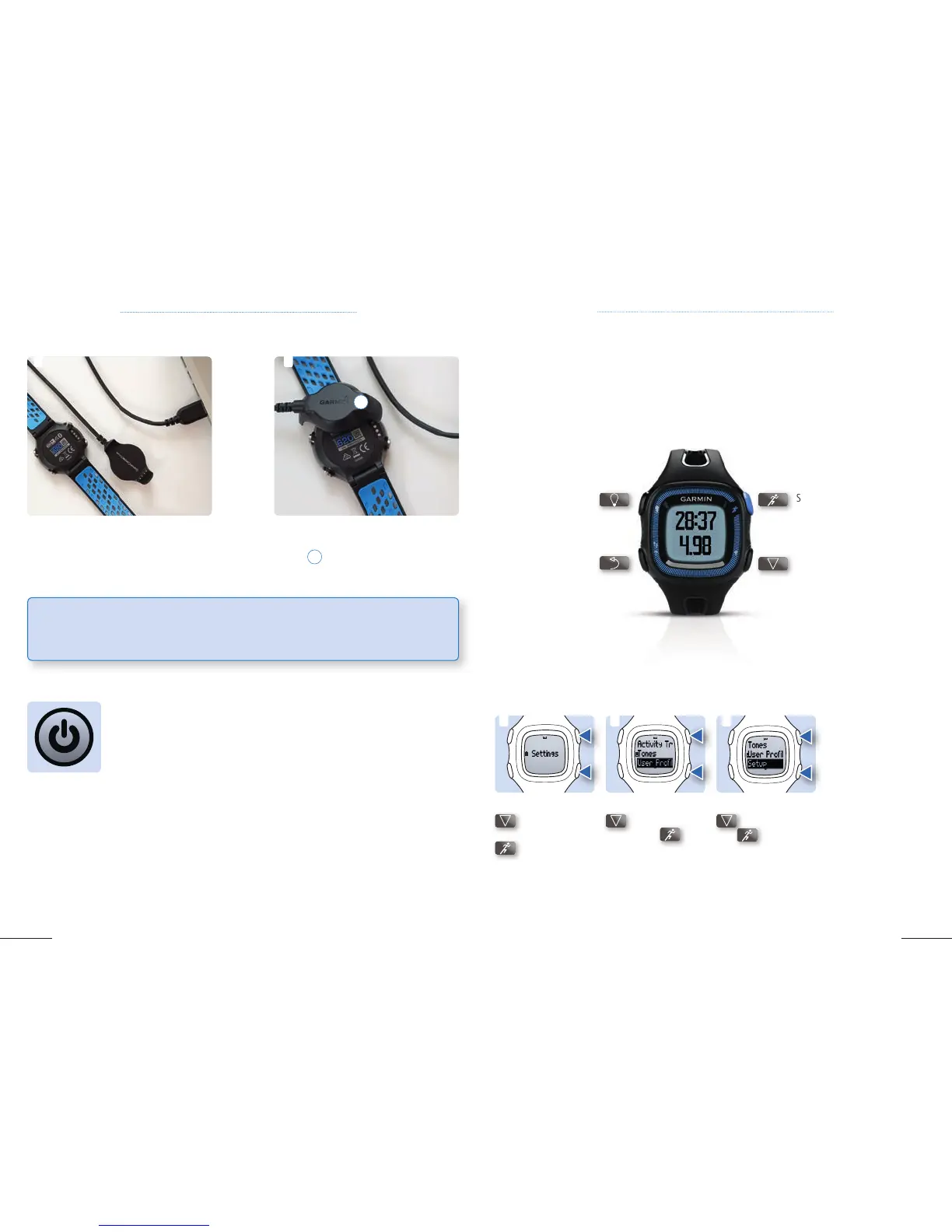
1. Plug the USB cable from your device into
a USB port on your computer or USB charger
(sold seperately).
1. Once the device has charged, turn it on. If you just bought your device, it is already
70 % charged.
2. Follow the setup instructions on your device.
2.
Align the charger posts with the contacts
on the back of the device and press the
charger
1
until it clicks. Once connected
to your computer or USB charger, the device
will begin charging.
1
The first time the device is turned on you will be
asked to enter the following data:
1. Select your language
2. Choose the unit format (Miles or Kilometers)
3. Choose the time format (12 hour or 24 hour)
4. Select your gender (Male / Female)
5. Select your birth date
6. Select your weight
7. Select your height
Start / Stop / SelectPower on / off
Light on / off
Go back Down
2. Scroll down with
, select User
Profile with
to
change the following
data:
Weight / Birth Year
/ Height / Gender /
Max HR
3. Scroll down with
, select Setup
with to change
the following data:
Time / Language
1. Scroll down with
to Settings,
select Settings with
.
1 3 2
1.4 CHANGING BASIC SETTINGS AFTER INITIAL SETUP
Overview Forerunner
®
15
2
1
If your personal information has changed, or if you want to lend your device to a friend, you can easily
change your personal profile.
TIP: The GPS receiver in your watch has high energy consumption, when active. Make sure to
check the battery indicator after each run and charge your device regularly.



 To Next Page