10 GPSMAP 292/298 Owner’s Manual
BASIC OPERATION > MAN OVERBOARD (MOB)
Man OverBoard (MOB)
The Man OverBoard function (MOB) simultaneously marks and
sets a course back to the marked location for quick response to
emergency situations.
The MOB function allows you to quickly start
navigation back to a location.
To start the MOB function:
1. Press and hold NAV/MOB.
2. Press ENTER to begin navigating to the MOB location.
3. To stop navigation to the MOB location, press NAV,
highlight Stop Navigation, and press ENTER.
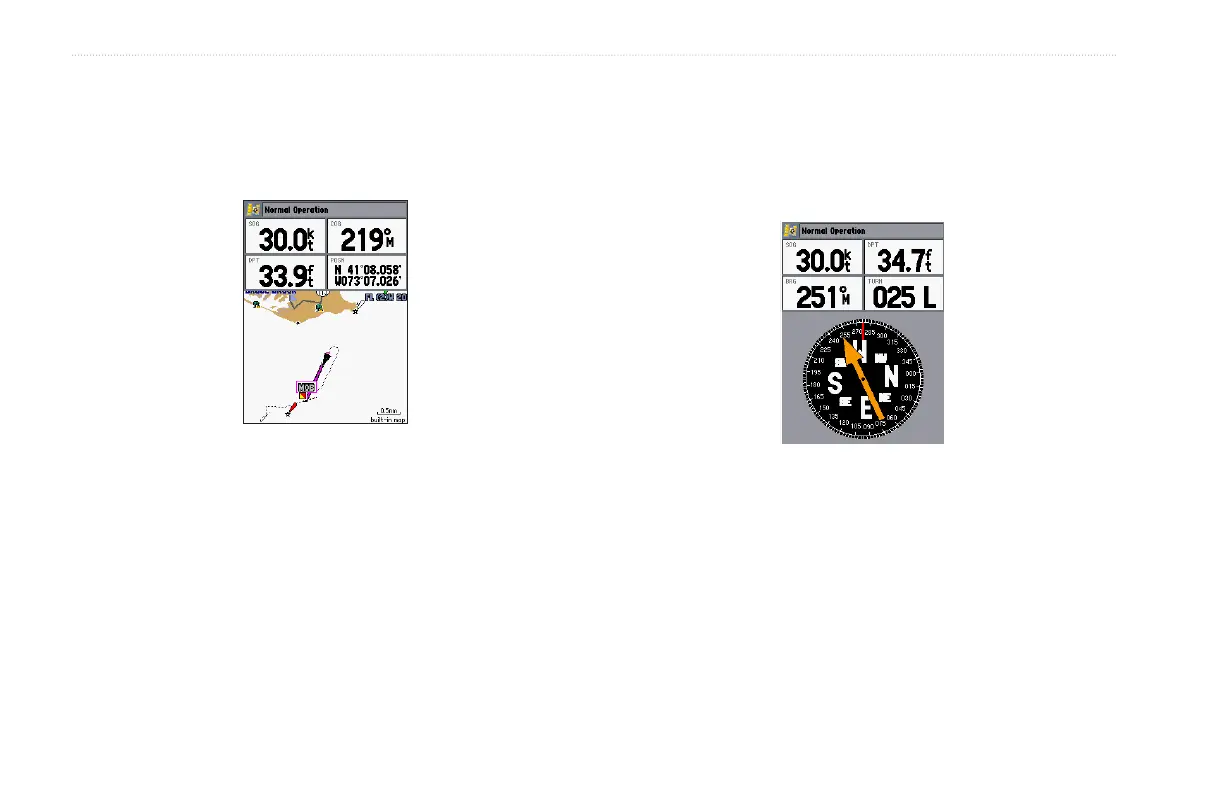
When a MOB is active, a MOB waypoint with an international
MOB symbol is created and the unit is on an active navigation to
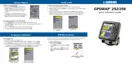
that point. Use any of the Navigation Pages to guide you back to
the MOB point. The MOB waypoint is stored in the waypoint list
and works like any other waypoint.
To stop navigation, press NAV/MOB highlight
Stop Navigation, and press ENTER.













 To Next Page