GPSMAP 292/298 Owner’s Manual 17
BASIC OPERATION > ROUTES
Routes
You can create and store up to 50 user-defined reversible routes
(numbered 1-50), with up to 300 waypoints each.
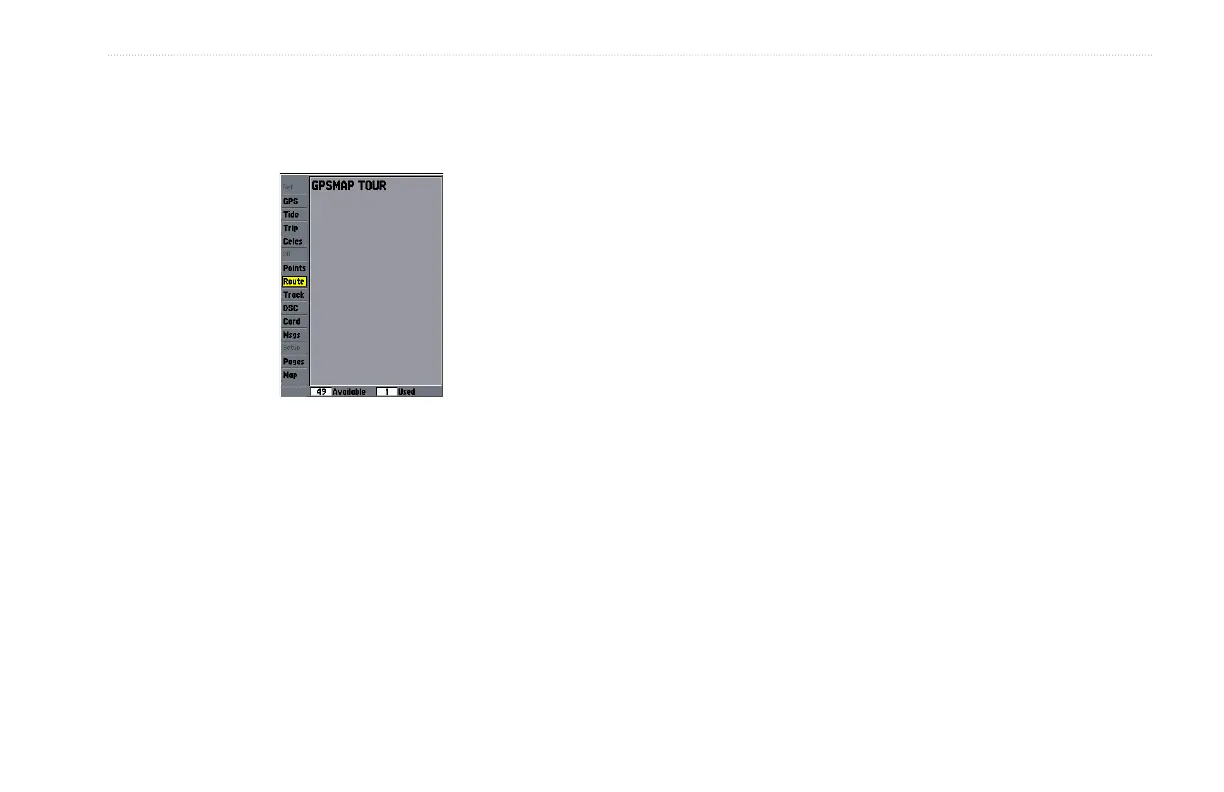
Route Tab
To navigate a QUICK NAV route:
1. Press NAV/MOB, and highlight Follow Route.
2. Press ENTER, and highlight Create QUICK NAV Route.
3. Use the map pointer to select a waypoint or map item, and
press ENTER.
4. To add a new waypoint to the route, use the map pointer to
select a map location, and press ENTER.
As you add each new waypoint to the route, the data
window at the top of the Map Page shows the waypoint/map
item name, bearing and distance from your location, and
coordinates of the map pointer. The bottom of the screen
shows the number of available points. A route line appears
on the map to indicate each completed leg, and a dotted
line appears indicating the distance and bearing to the map
pointer from the last route waypoint.
5. Repeat steps 3 and 4 until you have finished defining all
route waypoints.
6. Press QUIT twice to start your QUICK NAV Route.
To create a route graphically using the map window:
1. Press and hold ADJ/MENU to show the Main Menu.
2. Use the ROCKER to highlight the Route tab, and press
ADJ/MENU to show the route options page
3. Select New Route, and press ENTER.
4. Follow steps 3, and 4 in the QUICK NAV Route instructions.
5. When finished, press QUIT twice to return to the Route List
Page.













 To Next Page