24 GPSMAP 292/298 Owner’s Manual
BASIC OPERATION > DSC
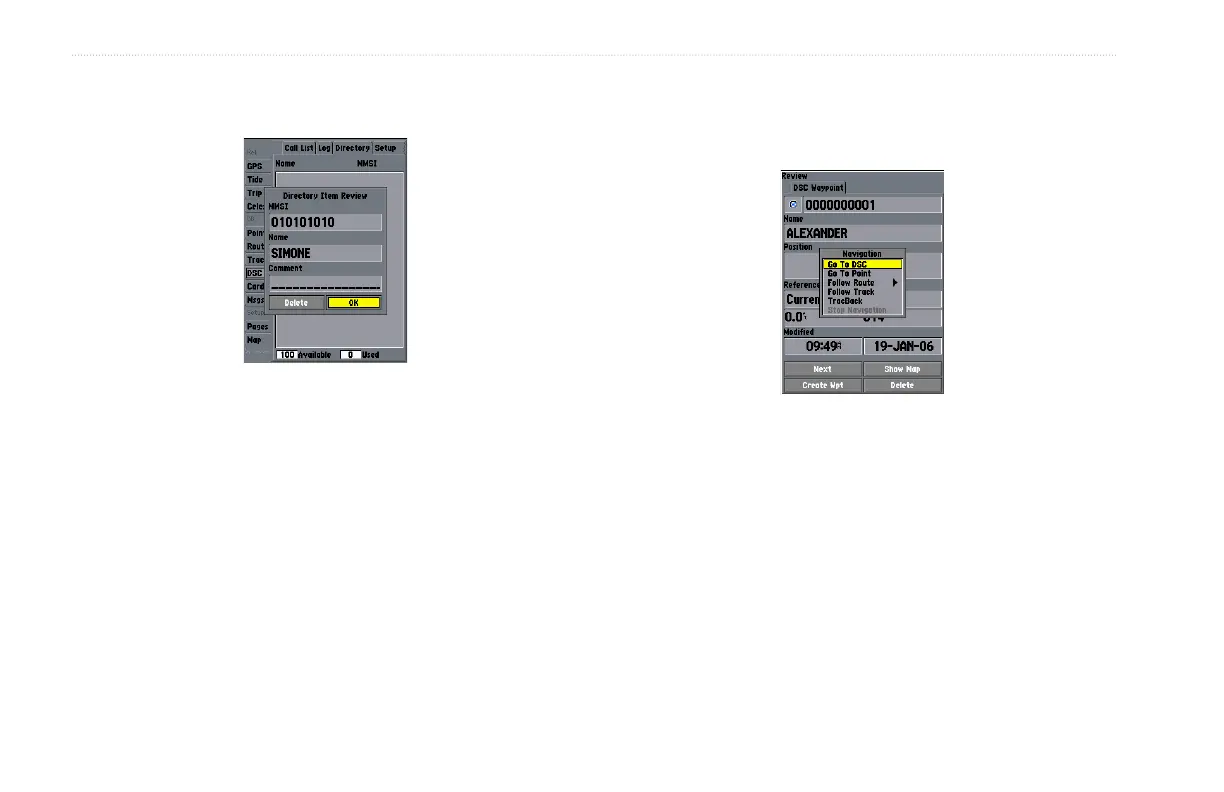
3. Enter the MMSI number, a Name, and any comments.
4. When finished, highlight OK, and press ENTER.
New Directory Item Page
When a Distress Call, Position Report, or Directory item is named,
the name is attached to that particular MMSI number. If a name is
used, all DSC entries of the same MMSI number show the name.
Navigating to a Position Report or Distress Call
After a Position Report or a Distress Call is received, navigation
can be quickly set to the call location.
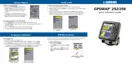
Navigating to a DSC Call
To navigate to Position Report or Distress Call:
1 Press NAV.
2. With Go To MMSI/Name highlighted, press ENTER.
OR
1. Highlight the call on the Call List or Log, and press NAV.
2. With Go To MMSI/Name or DSC highlighted, press ENTER.













 To Next Page